
Summary
Some sites would benefit greatly from having an internal “Wiki” or knowledge base for users to reference. Some examples here would be hosting companies, software distribution companies, consumer product companies, etc. Having a library of easily referenced content to support your main message or product can reduce support costs downstream. In this post, Jonathan opens up the realm of WordPress Documentation plugins and looks directly at BetterDocs.

BetterDocs: WordPress Documentation Plugin for Enhanced User Experience
BetterDocs is a WordPress plugin that helps website owners create and manage documentation. It offers features to build knowledge bases and FAQs quickly. The plugin aims to reduce support tickets by giving users quick access to answers.
BetterDocs offers a user-friendly interface with drag-and-drop tools to organize content. This makes it simple for site owners to set up documentation pages without coding skills. The plugin works with popular page builders and themes, allowing customization to match a site’s look.
Users can create multiple knowledge bases for different topics or products. The plugin includes a search function to help visitors find information fast. It also offers options to customize the layout and design of documentation pages to fit a site’s needs.
Key Takeaways
- BetterDocs simplifies creating WordPress documentation and knowledge bases
- The plugin offers easy-to-use tools for organizing and customizing content
- It aims to reduce support tickets by providing users with quick access to information
BetterDocs Free & Premium Main Features
BetterDocs offers a range of features to create and manage documentation. These tools help users build customized knowledge bases, add search options, and organize content efficiently.
Customizable Template
BetterDocs provides flexible templates for documentation pages. Users can adjust colors, fonts, and layouts to match their website’s style. The plugin works with popular page builders like Elementor and Divi.
The drag-and-drop editor makes it easy to add and arrange content blocks. Users can create categories and subcategories to organize their docs. The plugin also supports custom CSS for further design tweaks.
Search Functionality
A key feature of BetterDocs is its search system. The plugin adds a search bar to documentation pages, helping visitors find information quickly. The search function checks titles, content, and categories.
Users can set up live search, which shows results as people type. This saves time and improves the user experience. The search tool also supports fuzzy matching to catch typos and similar terms.
Management Tools
BetterDocs includes several tools to manage documentation effectively. Users can set up multiple knowledge bases for different products or topics. The plugin allows for easy reordering of articles through a simple drag-and-drop interface.
A COMPLETE STEP-BY-STEP CHEATSHEET
TO CREATING, LAUNCHING & GROWING A SUCCESSFUL MEMBERSHIP WEBSITE

Analytics tools show which docs are viewed most often. This helps identify popular topics and areas that need more content. The plugin also integrates with many WordPress themes and plugins for smooth operation.
User Interface
BetterDocs has a clean and straightforward user interface. The plugin’s design makes it easy for users to create and organize documentation pages.
The main dashboard shows an overview of all documentation categories and articles. Users can quickly add new content or edit existing pages from this central hub.
A drag-and-drop system allows for effortless rearrangement of articles and categories. This feature helps maintain a logical structure as the knowledge base grows.
The editor uses a familiar WordPress interface for writing articles. It includes standard formatting options like headings, lists, and images.
Some key UI elements include:
- Category manager
- Article Editor
- Table of contents builder
- Search bar customization
- Color scheme selector
BetterDocs integrates smoothly with popular page builders. This allows for more advanced layout options when designing documentation pages.
The plugin offers responsive designs that work well on mobile devices. Documentation remains readable and usable across different screen sizes.
For site visitors, BetterDocs creates an organized, searchable knowledge base. The clean layout helps users find information quickly without confusion.
Ease Of Use
BetterDocs aims to make creating documentation simple. The plugin has a drag-and-drop interface for organizing content. Users can move articles and categories around with ease.
The plugin integrates with popular page builders like Elementor and Beaver Builder. This allows for flexible design options without coding skills.
BetterDocs offers pre-made templates to get started quickly. Users can customize colors, fonts, and layouts to match their site’s style.
The live search feature helps visitors find information quickly. As users type, relevant results appear instantly.
Creating new docs is straightforward with the built-in editor. Users can add text, images, videos, and other media effortlessly.
BetterDocs includes shortcodes to display documentation anywhere on a WordPress site. This gives flexibility in how and where content is presented.
The plugin works with many themes and doesn’t require extensive setup. Most features work out of the box, and minimal configuration is needed.
While BetterDocs offers many options, some users may find the initial setup takes time to learn. The plugin’s extensive features can be overwhelming at first for beginners.
Known Issues Or Limitations
BetterDocs has some limitations users should be aware of. The free version lacks advanced features like multiple knowledge bases and analytics.
Some users report slower page load times after installing the plugin. This may impact site performance, especially on larger websites.
The plugin’s design options can be limited to specific WordPress themes. Users might need to adjust their theme or use custom CSS for full customization.
BetterDocs may conflict with other documentation or knowledge-base plugins. It’s best to deactivate similar plugins before installation.
The search function doesn’t always return accurate results, particularly for complex queries. This can frustrate users trying to find specific information.
Creating and organizing content can be time-consuming, especially for large knowledge bases. The learning curve may be steep for new users.
BetterDocs requires regular updates to stay compatible with the latest WordPress versions. Skipping updates could lead to functionality issues.
Some advanced features are only available in the paid version, which may not fit all budgets. Users should carefully consider their needs before upgrading.
BetterDocs Pricing
BetterDocs offers different pricing plans to fit various needs. The plugin has a free version with basic features available on WordPress.org.
For more advanced functionality, BetterDocs Pro provides paid options:
- Starter: $51.75/year for one site
- Innovator: $104.30/year for five sites
- Visionary: $194.35/year for unlimited sites
Each paid plan includes 1 year of updates and support. The higher-tier plans unlock extra features like multiple knowledge bases and analytics.
The pricing structure allows users to choose a plan that matches their specific documentation needs and budget. Small businesses can start with the free or Starter versions, while larger organizations may benefit from the Professional plan’s unlimited site usage.
BetterDocs Main WordPress Competitors
BetterDocs faces competition from several other WordPress documentation plugins. These alternatives offer unique features and approaches to creating knowledge bases and documentation sites.
Bullet.so
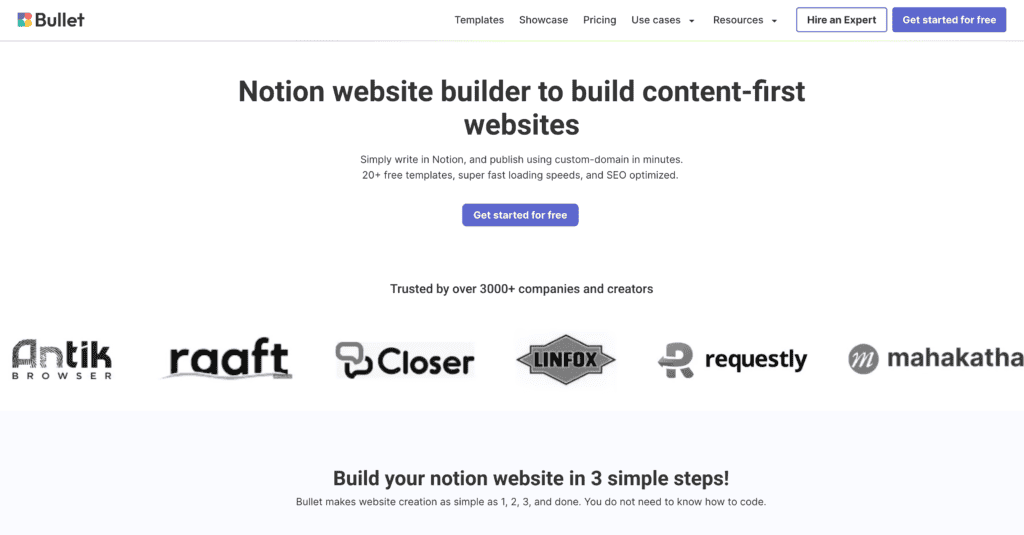
Bullet.so is a modern documentation plugin for WordPress. It offers a clean, minimalist design that’s easy to navigate. The plugin includes a powerful search function to help users find information quickly.
Bullet.so allows for nested categories, making it simple to organize complex documentation. It also supports custom post types, letting users integrate existing content into their knowledge base.
One standout feature is its analytics dashboard. This tool shows which articles are most popular and where users might struggle to find answers.
Bullet works well with page builders like Elementor and Beaver Builder. This compatibility makes matching the documentation to a site’s design easier.
Prices Free | Personal $9 | Startup $19 | Business $49
Heroic Knowledge Base (HeroKB)
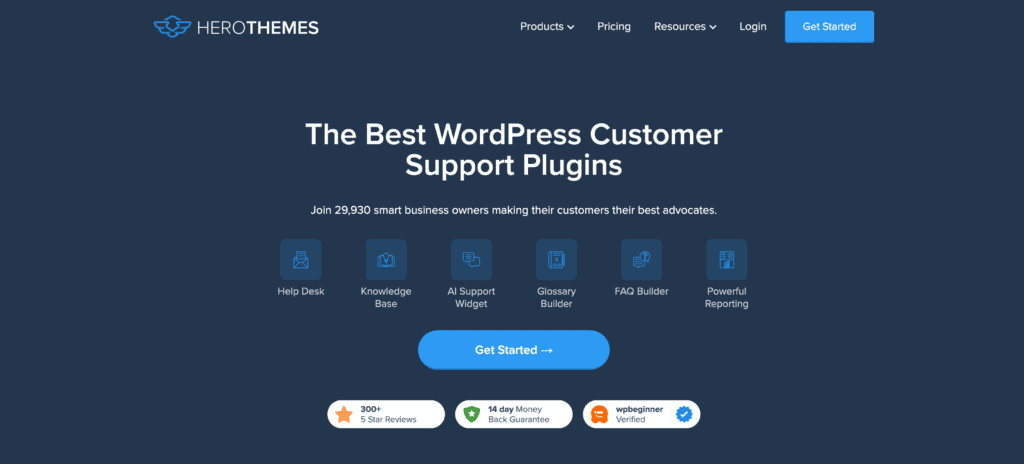
Heroic Knowledge Base, or HeroKB, is a feature-rich documentation plugin. It offers a user-friendly interface for both admins and visitors.
HeroKB includes a live search function that shows results by user type. This helps people find answers faster. The plugin also offers voting and feedback options on articles, which can improve content quality over time.
A unique aspect of HeroKB is its built-in analytics. These tools track article views, search terms, and user feedback. This data helps admins understand what information users need most.
HeroKB supports multiple knowledge bases on a single site. This feature is helpful for companies with different product lines or user groups.
Prices Heroic KB $149.50 | Heroic Inbox $199 | Heroic Bundle $299
EazyDocs

EazyDocs aims to simplify the process of creating and managing documentation. It offers a drag-and-drop builder for easy layout customization.
The plugin includes pre-designed templates to speed up the setup process. Users can quickly create a professional-looking knowledge base without extensive design skills.
EazyDocs supports content restriction, allowing admins to create private documentation areas. This feature is helpful for internal company wikis or premium content.
The plugin also offers a feedback system. Users can rate articles and leave comments, helping admins improve documentation quality over time.
Prices Free | Pro $49 | Pro Max $59
weDocs
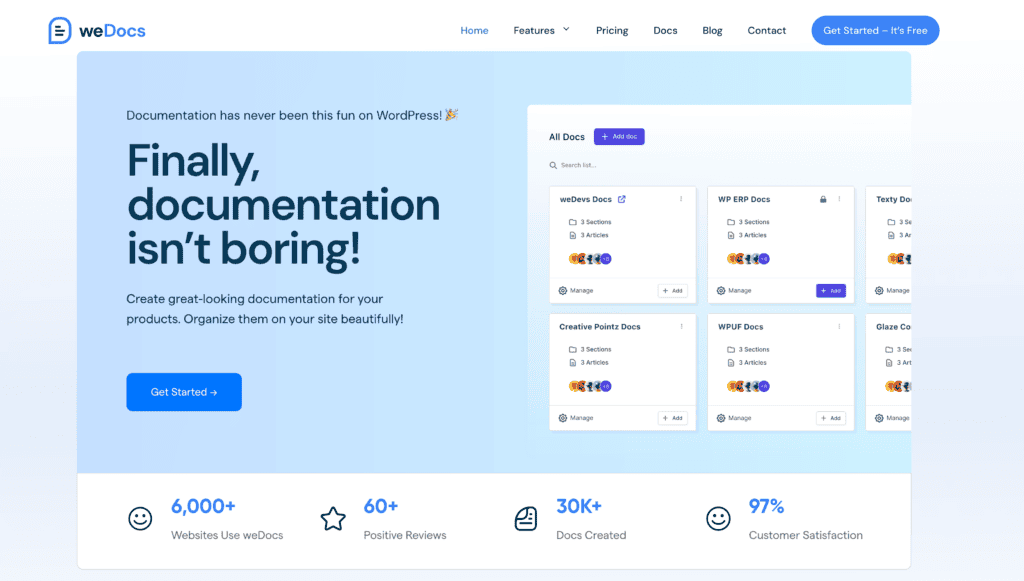
weDocs is a lightweight documentation plugin for WordPress. It focuses on simplicity and ease of use.
The plugin offers a clean, responsive design that is out of the box. This ensures documentation looks good on all devices. weDocs also includes a powerful search function to help users find information quickly.
One notable feature is its support for Markdown. This makes it easier for technical writers to create and format documentation. The plugin also allows for document versioning, which helps track changes over time.
weDocs integrates well with other WordPress plugins. This flexibility allows users to extend its functionality as needed.
Prices Starter $149 | Profession $799 per year
Frequently Asked Questions
Q: What is the BetterDocs Plugin?
A: The BetterDocs Plugin is a robust WordPress documentation and knowledge base plugin designed to help users create and manage comprehensive documentation for their products or services. It offers features like a drag-and-drop interface, customizable options, and easy integration with popular page builders like Elementor and Gutenberg.
Q: How does the BetterDocs Plugin enhance my WordPress site?
A: BetterDocs enhances your WordPress site by providing an organized layout for your documentation, making it easier for users to find answers to their questions. It also includes features like a table of contents and advanced live search, which improves user experience and accessibility.
Q: Can I use BetterDocs with Elementor or Gutenberg?
A: Yes, BetterDocs is compatible with both Elementor and Gutenberg. It utilizes Gutenberg blocks to create and design your documentation quickly, and you can also use the easy drag-and-drop UI to customize your layouts effortlessly.
Q: What are the key features of the BetterDocs Plugin?
A: Key features of the BetterDocs Plugin include a robust knowledge base creation tool, a customizable layout, advanced live search functionality, an intuitive drag-and-drop interface, and support for shortcodes to integrate documentation into your pages.
Q: Is BetterDocs suitable for creating FAQs?
A: Yes, BetterDocs is an excellent solution for creating FAQs. It allows you to design a structured FAQ section using its knowledge base capabilities, making it easy for users to find answers quickly.
Q: Do I need coding skills to use BetterDocs?
A: No, you do not need coding skills to use BetterDocs. The plugin is designed to be user-friendly with its drag-and-drop UI, allowing non-technical users to create and manage their documentation easily.
Q: What kind of support and updates does BetterDocs offer?
A: BetterDocs provides regular updates and dedicated support for its users. The plugin includes premium support options, ensuring any issues you encounter can be resolved quickly and efficiently.
Q: Can I write documentation using AI with BetterDocs?
A: Yes, BetterDocs offers a feature called “Write with AI Auto Writer,” which helps you generate content for your documentation using artificial intelligence. This feature can streamline the documentation process and enhance your content quality.
Q: Is BetterDocs a premium plugin?
A: Yes, BetterDocs offers a premium version with additional features and functionalities compared to the free version. The pro plugin provides more customizable options and advanced capabilities for creating a comprehensive knowledge base.
Final Thoughts
BetterDocs is a robust WordPress plugin for creating documentation and knowledge bases. It offers many valuable features to help build and organize content.
The drag-and-drop interface makes it easy to structure documentation pages. Users can quickly add sections, articles, and categories without coding skills.
Advanced search capabilities allow website visitors to find information quickly. This can reduce support tickets and improve the user experience.
BetterDocs works with popular page builders like Elementor and Gutenberg. This gives users flexibility in designing their documentation.
The plugin offers both free and premium versions. The free version provides core features, while the paid option unlocks more advanced tools.
Some users report occasional bugs or compatibility issues with specific themes. However, the developers seem responsive in addressing problems through updates.


