
Summary
Having a vibrant Support Ticket system for your business can be a make or break concept, depending on the type of business you are running. If you are in the Hosting, Digital Product, or Service spaces… having a portal for clients to get assistance in an organized, trackable way is important. Help Scout is one of the main contenders, but in this post, Jonathan dives into the top competitors in the space and highlights the benefits of each.

Help Scout Alternatives: Top 10 Customer Support Solutions Compared
Help Scout has become a popular customer support platform for many businesses, but some seek alternatives that better suit their needs. These companies are exploring options offering different features, pricing structures, or integrations to enhance customer service operations.
Several alternatives to Help Scout provide robust ticketing systems, live chat capabilities, and knowledge base tools to streamline customer support processes. Some top contenders include Zendesk, Freshdesk, and HubSpot Service Hub, each offering unique strengths and customization options.
For those preferring open-source solutions or WordPress integration, specialized help desk options are available. These alternatives cater to various business sizes and industries, allowing organizations to find the best fit for their specific requirements and budget constraints.
What Is Help Scout?
Help Scout is a customer service software platform designed to streamline support operations for businesses of all sizes. Founded in 2011, it offers a comprehensive suite of tools to manage customer communications efficiently.
At its core, Help Scout provides a shared inbox where teams can collaborate on customer inquiries. This centralized system allows multiple team members to work together seamlessly, ensuring timely and consistent responses.
Key features of Help Scout include:
• Email management • Live chat support • Knowledge base creation • Reporting and analytics • Workflow automation
Help Scout integrates with popular business tools like Slack, Salesforce, and Zapier, enhancing its functionality and adaptability to various workflows.
The platform emphasizes simplicity and user-friendliness, making it accessible for small businesses while offering robust capabilities for larger enterprises. Its clean interface reduces the learning curve for new team members.
Help Scout’s pricing model is based on the number of users and features required, with plans starting from basic options to more advanced packages. This scalability allows businesses to choose a plan that aligns with their needs and budget.
Main Features That Help Scout Offers
Help Scout provides a comprehensive suite of customer support tools. Its core features include a shared inbox for efficiently managing customer emails and inquiries.
The platform offers a knowledge base system for creating and organizing self-service content. This enables customers to find answers independently.
Help Scout integrates live chat functionality, allowing real-time communication with website visitors. Agents can handle multiple conversations simultaneously.
A COMPLETE STEP-BY-STEP CHEATSHEET
TO CREATING, LAUNCHING & GROWING A SUCCESSFUL MEMBERSHIP WEBSITE

The software includes robust reporting and analytics capabilities. These tools help businesses track critical metrics and improve their support performance.
Automation features streamline workflows by assigning tickets, sending canned responses, and triggering actions based on predefined rules.
Help Scout offers seamless integrations with popular third-party applications. This extends its functionality and allows for better data synchronization across tools.
The platform provides a customer profile system. It consolidates customer information, interaction history, and relevant data in one place for easy access.
Mobile apps enable support agents to manage tickets and respond to customers on the go. This ensures timely assistance regardless of location.
What Were Our Selection Criteria For Alternative Help Scouts?
When evaluating alternatives to Help Scout, we focused on several key factors to ensure a comprehensive comparison. These criteria helped identify solutions that offer similar or enhanced functionality.
User-friendliness ranked high on our list. We looked for intuitive interfaces that require minimal training for support teams to adopt quickly.
Ticket management capabilities were essential. We sought systems that efficiently organize, prioritize and track customer inquiries across multiple channels.
Collaboration features played a crucial role in our assessment. Tools facilitating seamless teamwork and knowledge sharing among support staff received higher marks.
Customization options were carefully considered. Platforms allowing businesses to tailor the support experience to their brand and workflow needs stood out.
Integration capabilities with other business tools were evaluated. Seamless connections with CRMs, analytics platforms, and communication tools enhance efficiency.
Pricing and scalability factored into our decisions. We examined cost-effectiveness for various team sizes and the ability to grow with expanding support needs.
Reporting and analytics tools were scrutinized. Robust data insights help teams improve performance and make informed decisions.
Mobile support functionality was assessed as on-the-go access becomes increasingly essential for modern support teams.
Best Help Scout Alternatives
Several excellent Help Scout alternatives offer robust customer support and ticketing features. These options provide varied capabilities to suit different business needs and budgets.
Fluent Support
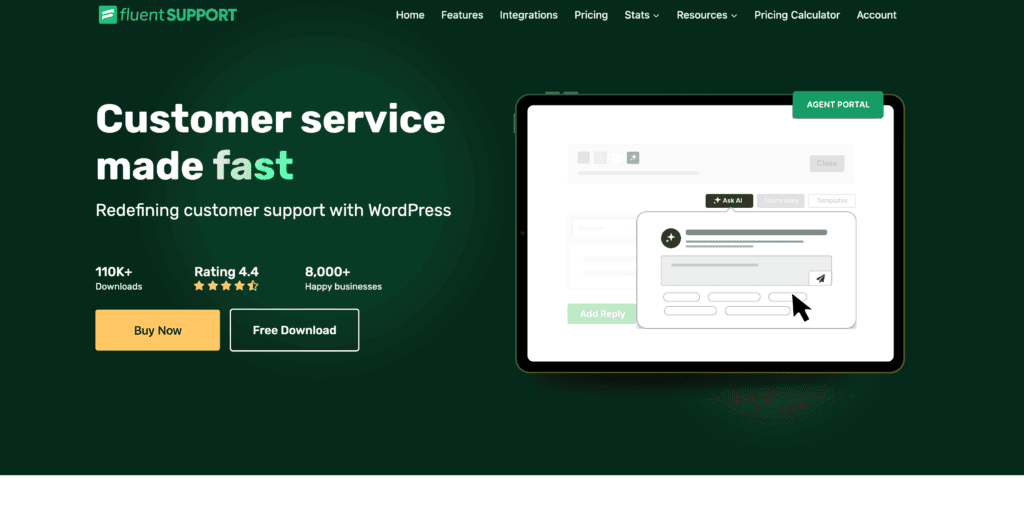
Fluent Support is a WordPress plugin that transforms websites into robust help desks. It offers ticket management, knowledge base creation, and live chat functionality. The plugin integrates seamlessly with existing WordPress sites, making it easy to set up and use.
Fluent Support allows teams to assign and track tickets efficiently. It provides customizable ticket forms and automated workflows to streamline support processes. The knowledge base feature helps reduce ticket volume by enabling customers to have self-service options.
The live chat function allows real-time communication with visitors. Fluent Support also offers detailed reporting and analytics to measure support performance. Its user-friendly interface and WordPress compatibility make it an attractive option for businesses already using the platform.
Prices $129 per year
Zendesk
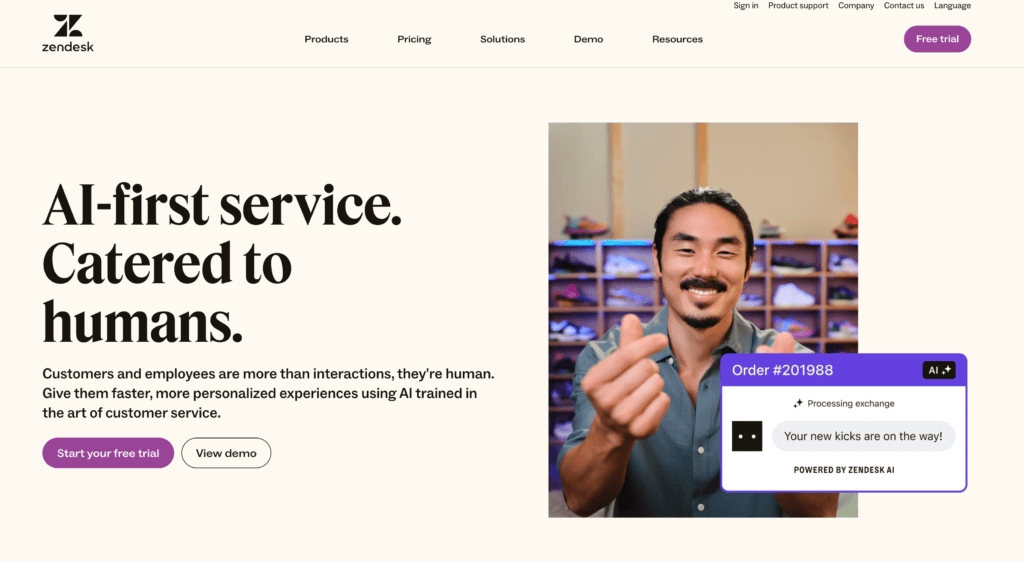
Zendesk is a comprehensive customer service platform used by businesses of all sizes. It offers omnichannel support, including email, chat, phone, and social media integration. Zendesk’s ticketing system allows for efficient tracking and resolution of customer issues.
The platform provides a customizable knowledge base and community forums. These features empower customers to find answers independently. Zendesk’s AI-powered bot can handle routine inquiries, freeing up human agents for more complex issues.
Zendesk offers robust reporting and analytics tools. These help businesses identify trends and improve support efficiency. The platform integrates with numerous third-party apps, enhancing its functionality. Zendesk’s scalability makes it suitable for growing companies.
Prices Support Team $19 | Support Professional | Support Enterprise $115 per month
Freshdesk
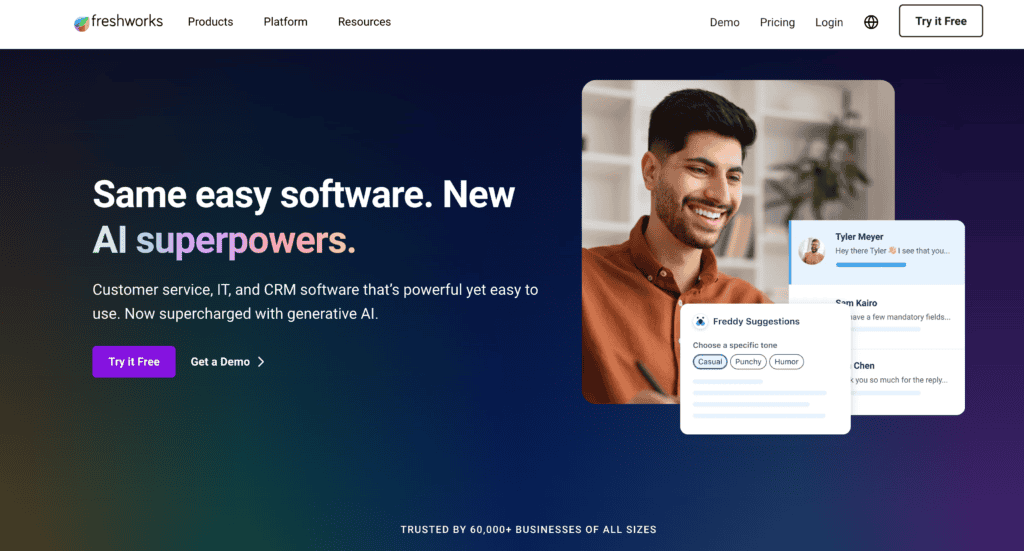
Freshdesk is a cloud-based customer support software that simplifies ticket management. It offers multichannel support, allowing agents to handle queries from various sources in one place. The platform’s AI-powered chatbot can resolve common issues automatically.
Freshdesk’s knowledge base feature helps reduce ticket volume by providing self-service options. The software includes team collaboration tools, making it easier for agents to work together on complex issues. Its gamification features can boost agent productivity and engagement.
The platform offers customizable dashboards and reports for tracking key metrics. Freshdesk integrates with many popular business tools, enhancing its functionality. Its user-friendly interface and mobile app make it accessible to teams of all sizes.
Prices Free | Growth $15 | Pro $49 per month
Missive
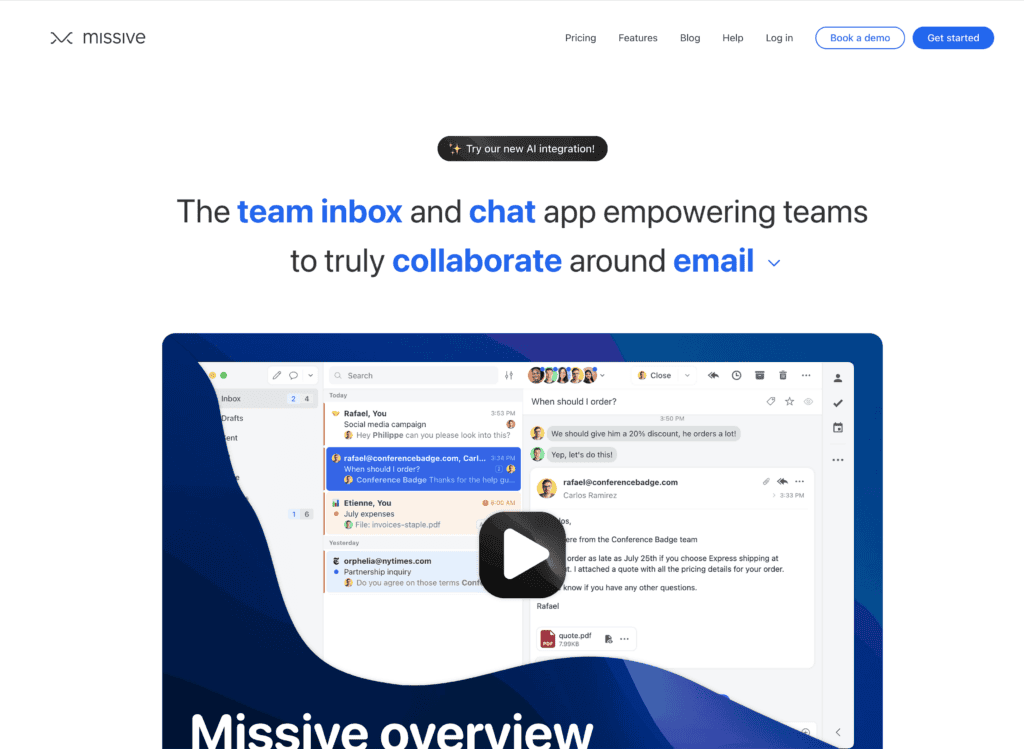
Missive is a collaborative email and chat app that doubles as a customer support tool. It allows teams to manage shared inboxes efficiently. The platform supports multiple communication channels, including email, SMS, and social media.
Missive’s unique feature is its real-time collaboration capabilities. Team members can discuss and work on customer inquiries together within the app. This approach streamlines communication and speeds up response times.
The platform offers task management features to help organize and prioritize support work. Missive integrates with various third-party apps, enhancing its functionality. Its simple pricing structure and lack of user limits make it attractive for small to medium-sized businesses.
Prices Starter $18 | Productive $30 | Business $45
LiveAgent
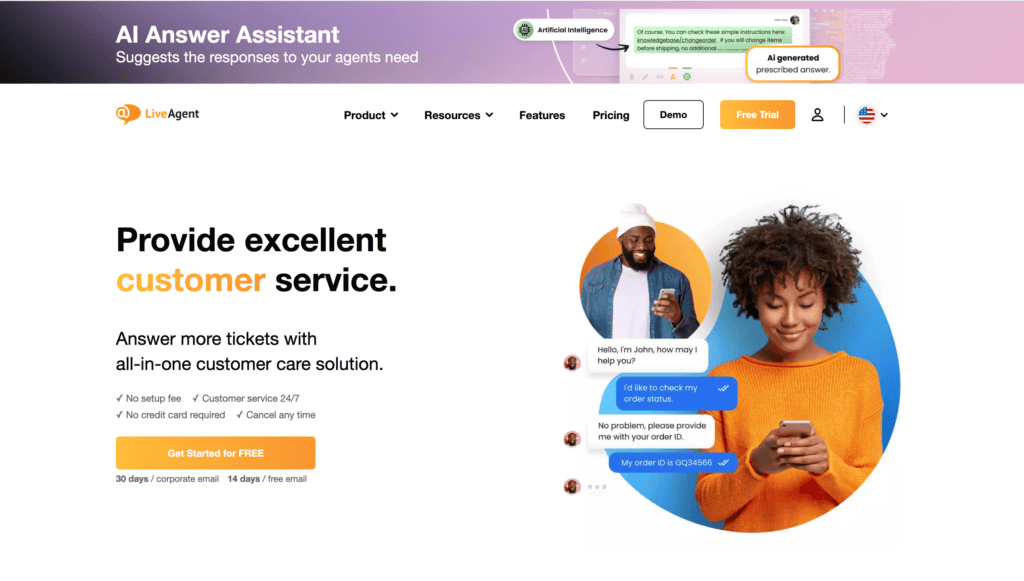
LiveAgent is an all-in-one customer support software that offers ticketing, live chat, and call center solutions. It provides a universal inbox that consolidates customer communications from various channels. This feature allows agents to manage all interactions in one place.
The platform’s live chat widget can be customized to match brand aesthetics. LiveAgent’s ticketing system includes automation rules to streamline workflow. Its built-in call center functionality lets businesses handle phone support without additional software.
LiveAgent offers a comprehensive knowledge base feature for self-service support. The software provides detailed analytics and reporting tools. Its gamification features can boost agent productivity and engagement.
Prices Small $9 | Medium $29 | Large $49
Zoho Desk
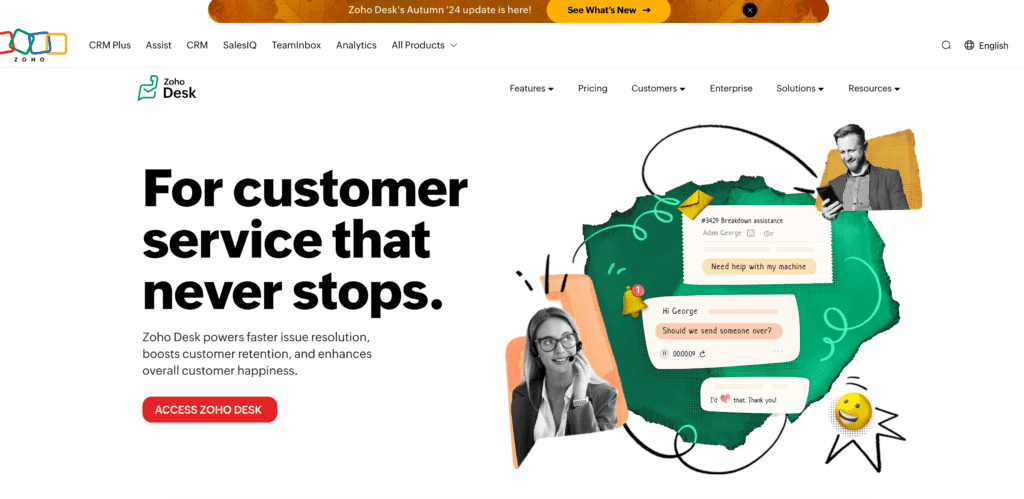
Zoho Desk is a context-aware help desk software that offers multichannel support. It provides a unified platform for managing customer interactions across email, phone, chat, and social media. The software uses AI to prioritize and categorize tickets automatically.
Zoho Desk’s standout feature is its context-aware capabilities. It provides agents with relevant customer information and interaction history. This feature helps deliver more personalized and efficient support.
The platform offers customizable dashboards and reports for tracking key metrics. Zoho Desk integrates seamlessly with other Zoho products and many third-party apps. Its mobile app allows agents to provide support on the go.
Prices Standard $20 | Professional $35 | Enterprise $50
Frequently Asked Questions
Q: What are the top 10 Help Scout alternatives?
A: The top 10 Help Scout alternatives include HubSpot Service Hub, Zendesk, Freshdesk, Intercom, LiveAgent, Zoho Desk, and Fluent Support. Each option offers features like help desk systems, live chat, and customer service tools to enhance customer experience.
Q: How does HubSpot Service Hub compare to Help Scout?
A: HubSpot Service Hub offers a robust CRM integration, advanced reporting features, and a variety of customer service tools such as a knowledge base and live chat feature. While Help Scout focuses on support ticket management, HubSpot provides a more comprehensive solution for customer support operations.
Q: Are there any affordable Help Scout alternatives?
A: Several affordable Help Scout alternatives exist, including Freshdesk and Fluent Support. Both options offer essential help desk features at competitive prices, allowing businesses to manage customer queries effectively without breaking the bank.
Q: Can I find a WordPress help desk plugin similar to Help Scout?
A: Yes, several WordPress help desk plugins serve as alternatives to Help Scout, such as WP Help Desk and Awesome Support. These plugins integrate seamlessly with your WordPress site and offer features like support ticket management and knowledge base creation.
Q: What features should I look for in a Help Scout alternative?
A: When exploring Help Scout alternatives, consider features like multi-channel help desk capabilities, live chat, CRM integration, reporting tools, and a user-friendly interface. These features will enhance your customer service and streamline support ticket management.
Q: Is there a free trial available for any Help Scout alternatives?
A: Many Help Scout alternatives, such as HubSpot Service Hub and Freshdesk, offer a 14-day free trial. This allows you to test the software and its help desk features before committing to a subscription.
Q: Which Help Scout competitors are best for small businesses?
A: For small businesses, affordable options like Freshdesk and LiveAgent are among the best Help Scout competitors. They provide essential customer service tools and support ticket management features without requiring a large budget.
Q: What makes a help desk tool the best for customer service?
A: The best help desk tool for customer service should provide an intuitive user interface, robust support ticket management, effective live chat capabilities, and integration with other platforms. It should also enhance customer conversations and improve overall customer experience.
Q: Are there open-source help desk alternatives to Help Scout?
A: Yes, there are several open-source help desk alternatives to Help Scout, such as osTicket and Zammad. These options offer flexibility and customization, making them suitable for organizations looking for cost-effective solutions.
Final Thoughts
Help Scout offers robust customer support features, but alternatives exist for businesses seeking different options. Some competitors provide more affordable plans or specialized tools tailored to specific industries.
When choosing a help desk solution, companies should consider their unique needs and budget. Factors like team size, customer base, and required integrations are crucial in decision-making.
Open-source alternatives can offer flexibility and customization for tech-savvy teams. However, they may require more setup and maintenance compared to cloud-based solutions.
Cloud-based platforms often provide regular updates and seamless integrations with popular business tools. This can streamline workflows and improve support teams’ productivity.
Ultimately, the best choice depends on individual business requirements. Companies should use free trials and demos to test different options before committing to a long-term solution.
Regularly reassessing help desk needs ensures businesses stay equipped with the most suitable tools as they grow and evolve. Keeping an open mind to new solutions can improve customer satisfaction and operational efficiency.


