Best Performance & Value Hosting For BuddyBoss in 2025

September 18, 2025

Youtube video

Best BuddyBoss Hosting Providers for WordPress Community Platforms in 2025

In 2025, BuddyBoss has emerged as one of the most resource-heavy WordPress platforms. This community-building platform needs a lot more server resources than your standard WordPress site thanks to its complicated social features and real-time interactions.

Buying the right web host for BuddyBoss can make the difference between a successful community and a slow one that frustrates users. Many site owners realize too late that they don’t have hosting shared enough to support activities of members, loading of activity feeds, dynamic loading of pages, etc.

BuddyBoss doesn’t just need any ol’ web host. You need specific WordPress configurations in addition to the standard ones: PHP workers, object caching, server performance and much more. Learning about these technical requirements can help community builders choose a hosting solution that can grow alongside their members.

BuddyBoss: Why Is It So Demanding On Hosting?

BuddyBoss requires a substantial amount of server resources and creates complex database interactions. Each user action generates multiple queries on the database

Processing essential community features such as activity feeds, messaging systems and groups requires high CPU powers. These functions run continuously in the background.

High Memory Requirements:

  • User sessions and data caching
  • Real-time notifications
  • Media file processing
  • Plugin integrations

The social network features of the platform create heavy loads on the database. When users post or comment at the same time, it overloads the server.

BuddyBoss sites can usually upload files larger than normal WordPress sites. We need enough storage and bandwidth for profile pictures, group media, and shared content.

Resource-Intensive Features:

  • Live activity streams
  • Member directories
  • Group management systems
  • Private messaging
  • Email notifications

When content gets generated dynamically, it puts pressure on hosts or hosting infrastructure. Every time a page loads it makes several calls to the database so the correct information displays.

The caching needs of the platform will be more than that of WordPress. If you do not use proper caching, the performance of your site will degrade quickly under user load.

BuddyBoss installations typically require special server setups. Common shared hosting services often struggle to meet the platform’s resource requirements.

Plugin compatibility adds another layer of complexity. Third-party extensions can use more resource than the platform itself needs.

Cloud vs VPS Hosting

BuddyBoss sites are hosted on multiple servers when cloud hosting is used automatically. VPS hosting gives you your own dedicated resources, usually on the same physical server, with guaranteed CPU, RAM, and storage.

Performance differs significantly between these options. Cloud hosting automatically scales your resources according to the traffic spikes. VPS hosting continues to run smoothly but must be improved manually.

Feature Cloud Hosting VPS Hosting
Scalability Automatic Manual
Cost Pay-as-you-use Fixed monthly
Setup Instant deployment Configuration required
Reliability Multiple server backup Single server dependency

Cost of cloud hosting will depend on actual usage. Suitable for growing BuddyBoss communities. VPS hosting provides more predictable monthly costs and dedicated resources.

Technical management requirements vary considerably. Most cloud platforms offer managed services with automatic updates. VPS hosting often needs you to manage the server.

Cloud hosting has redundancy and distributes the load on BuddyBoss sites. Several data centers guarantee uptime even if one fails.

VPS hosting gives the user full access to the server and software. Users can configure hosting environment as per BuddyBoss platform needs.

Resource allocation approaches differ fundamentally. The resources of cloud hosting are shared over a network and available when needed. Each VPS hosting account gets its own dedicated CPU, memory, and storage resources.

Why We Love Vultr High-Frequency Servers When It Comes to BuddyBoss

Vultr High-Frequency servers give BuddyBoss sites the performance required to handle interactive, dynamic content. These servers are equipped with NVMe SSD storage and high-performance CPUs for optimized use in database-heavy applications.

Key Performance Benefits:

  • 3x faster disk I/O compared to standard VPS
  • High-frequency CPUs for rapid WordPress processing
  • Low latency network connections

The BuddyBoss software makes several database queries whenever users post updates, send messages, or check their activity feed. Vultr’s high-frequency architecture performs these operations well.

CPUs cores that are dedicated and not shared provide servers. Traffic spikes are common for most community sites. That’s why performance drop should not happen.

Vultr High-Frequency Specifications:

Feature Standard VPS High-Frequency
Storage SSD NVMe SSD
CPU Priority Shared Dedicated
RAM Speed DDR4 DDR4 High-Speed

These servers cache memory more effectively because RAM is accessed more quickly. BuddyBoss sites’ user profiles and the activity stream load faster.

International members’ community experiences reduced latency via global network locations. No matter where users are located they see faster response times.

Vultr provides root access and flexible configurations. It lets optimizing server settings for BuddyBoss needs without restrictions of hosting provider.

Why PHP Workers Are Really Important Connected to BuddyBoss

BuddyBoss sites rely on PHP workers for processing power. Every employee on the platform handles a single request from different users.

BuddyBoss sites produce more database queries than WordPress sites. Server resources are essential for activities, user profiles, and group activities.

A COMPLETE STEP-BY-STEP CHEATSHEET
TO CREATING, LAUNCHING & GROWING A SUCCESSFUL MEMBERSHIP WEBSITE


When multiple users access the site at once, limited PHP workers cause bottlenecks.
When traffic peaks, the user experiences slow loading times or times out.

Most shared hosting plans provide only 2-4 PHP workers. This allocation is not enough for active communities on BuddyBoss that interact frequently.

Hosting Type Typical PHP Workers BuddyBoss Suitability
Shared 2-4 Poor
VPS 5-15 Good
Managed WordPress 8-25+ Excellent

BuddyBoss includes real-time notifications and member searches that use up more workers. The social networking functionality of the platform requires more server resources.

Inadequate PHP workers cause:

  • Slow page loading
  • Failed form submissions
  • Incomplete activity feed updates
  • Member login issues

Most BuddyBoss-specific hosting companies provide their customers with at least 8-25 PHP workers. They know the platform’s resources and configure the server.

Sites with over 100 active members need at least 10-15 PHP workers. Communities for 20+ workers are those that can perform simultaneous activities without lags.

Object Cache Pro

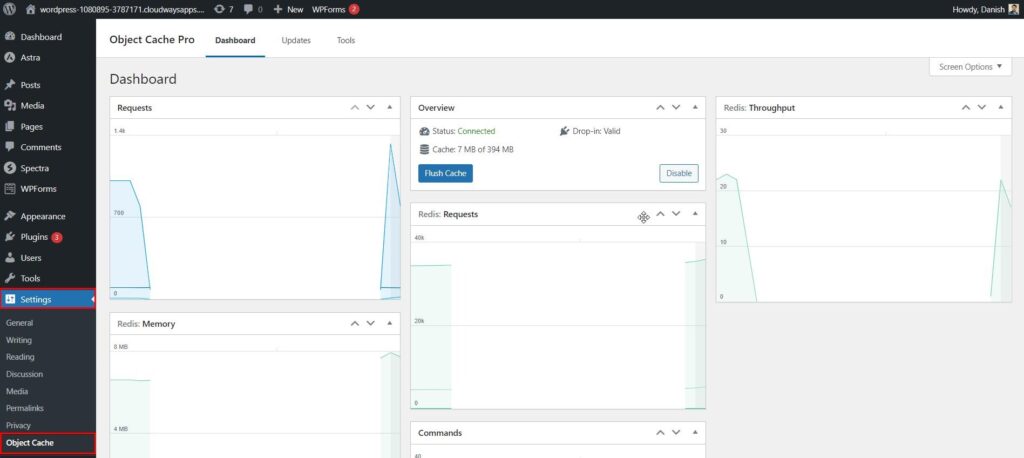
When it comes to WordPress and BuddyBoss, Object Cache Pro takes care of ALL caching. This plugin reduces the queries in database and better the performance.

The plugin creates a cache layer in memory for frequently used data. BuddyBoss sites load faster because the server is not under strain at peak hours.

Key Features:

  • Redis and Memcached support
  • Real-time cache analytics
  • Automatic cache warming
  • Multi-site compatibility
  • Debug tools included

Object Cache Pro Works Out Of The Box With BuddyBoss. Member profiles, activity feeds, and group content load faster with smart caching.

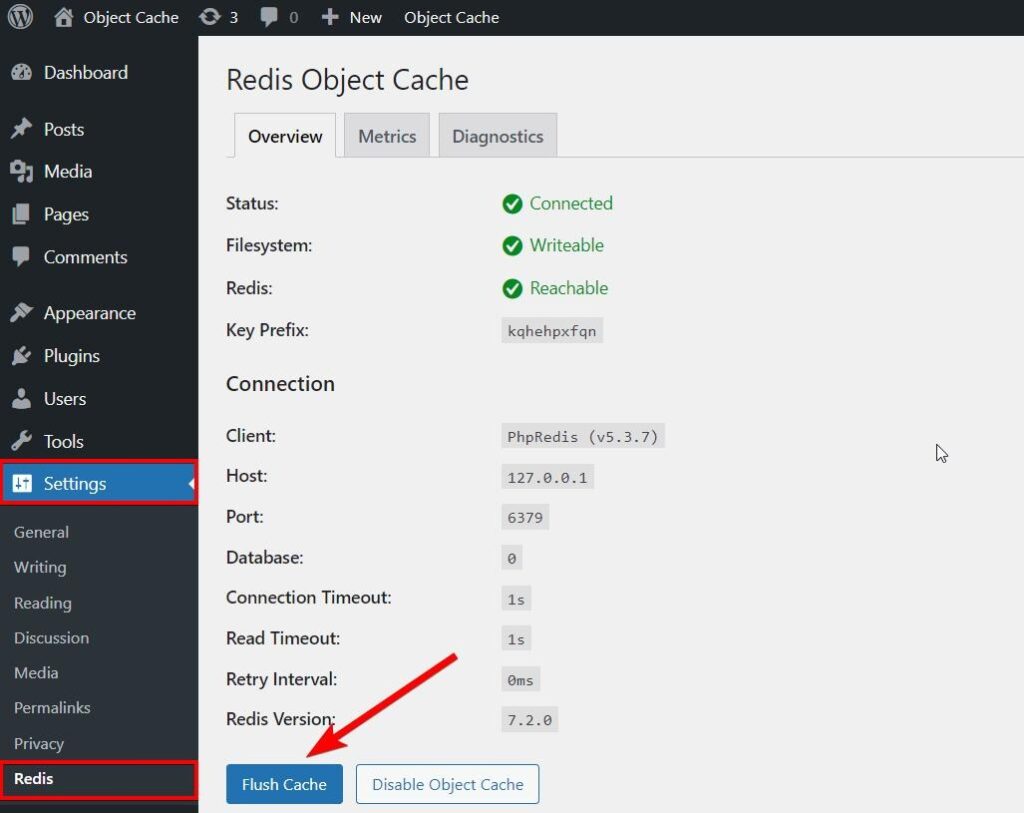
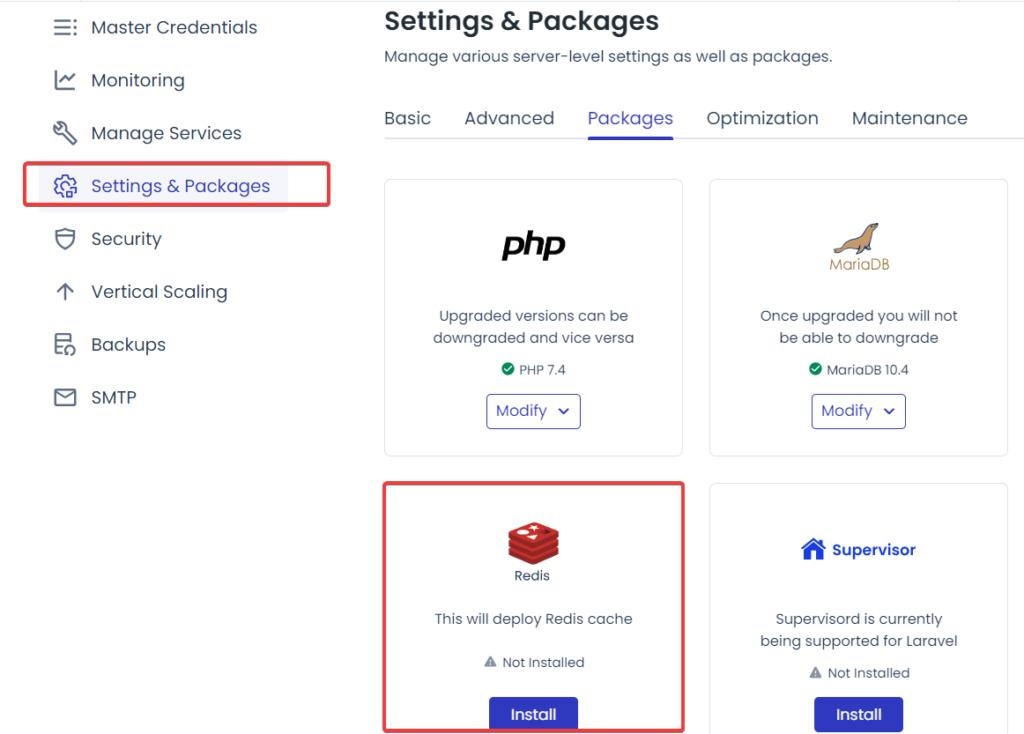
The plugin requires a Redis or Memcached server to work. Most managed WordPress hosting providers have these options standard or paid for.

Performance Benefits:

  • 50-90% reduction in database queries
  • Faster page rendering times
  • Improved server response rates
  • Better handling of concurrent users

The plugin installation and connection to cache server is configuration. Skilled administrators set up in under 30 minutes but slow network, interact (HHDI).

Object Cache Pro costs $95 annually for unlimited sites. It is worth the investment if you have slow BuddyBoss community or heavy traffic

Compatible with the latest version of WordPress and BuddyBoss thanks to constant updates. Documentation and access to developer support impacts technical support.

Here Are Some Of The Best BuddyBoss Hosting Providers In 2025

Many companies that specialize in WordPress and community hosting can optimize your BuddyBoss site. Community websites with 20 million traffic benefit from managed service, performance features and technical support.

WP-Tonic

WP-Tonic offers managed WordPress hosting for membership sites and online communities. Their hosting plans offer automatic updates, backups every day, and staging env.

The firm offers tailored support for your BuddyBoss installs. Team manages plugin compatibility problems and speeds up performance for community features.

Key Features:

  • Managed WordPress hosting
  • BuddyBoss pre-installation
  • Daily automated backups
  • Staging site included
  • Expert WordPress support

WP-Tonic’s hosting plans start at $29 per month. All plans come with an SSL certificate and CDN integration for faster speeds.

Their hosting hardware uses SSD server storage with caching hardware. This configuration helps boost database performance for a site with community and user engagement.

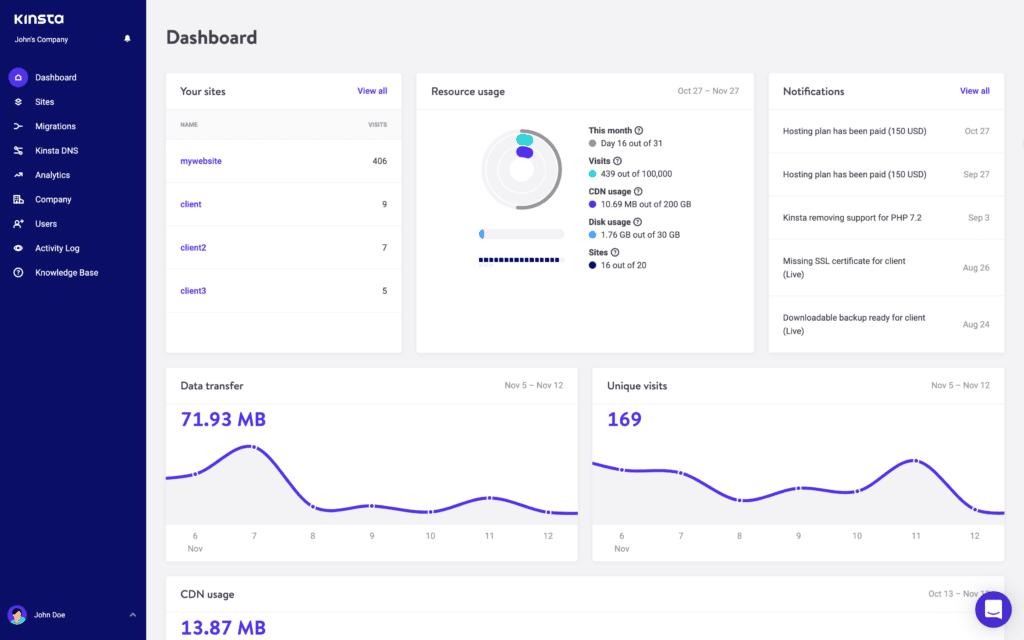
Kinsta

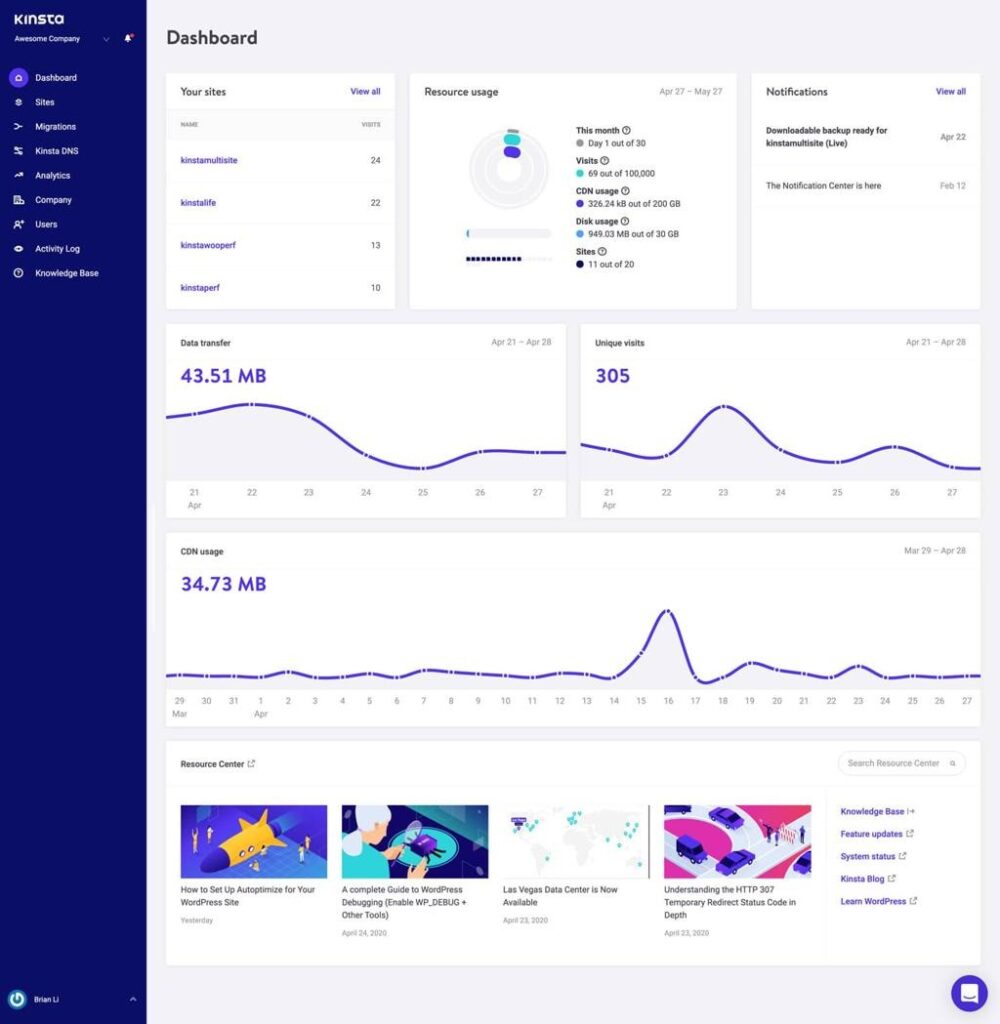
Kinsta is operating on infrastructure built on Google Cloud Platform with worldwide data centers. Their managed WordPress hosting consists of automatic scaling and enterprise-grade security features.

The hosting service has built-in caching and supports PHP 8+. BuddyBoss helps your site run better during heavy traffic.

Hosting Specifications:

  • Google Cloud Platform
  • Automatic daily backups
  • Free CDN included
  • SSH access available
  • Staging environments

Kinsta’s tech support is available 24/7 through its customer portal. Their support staff assists with BuddyBoss plugin configuration and database optimization.

Monthly pricing starts at $35 for their starter plan. More expensive plans offer more PHP workers and bigger visitor limits for growing communities.

Rocket.net

Rocket.net enhances WordPress site speed with a custom hosting stack designed for optimization. All hosting plans utilize enterprise-grade hardware that features NVMe SSD storage.

tools for automatic image optimisation and database cleaning are also included The capabilities reduce server load for BuddyBoss sites with high media uploads.

Performance Features:

  • NVMe SSD storage
  • Built-in image optimization
  • Database cleaning tools
  • Free SSL certificates
  • Multiple PHP versions

Rocket provides free site migrations from other hosting providers. Their migration team handles DNS changes and ensures zero downtime during the transfer process.

The hosting service includes Redis caching and object caching by default. These caching layers improve response times for dynamic community content and user profiles.

Rapyd Cloud

Rapyd Cloud offers specialized WordPress hosting with server settings optimized for community websites. The BuddyBoss hosting environments offer dedicated resources for traffic.

The company provides automatic updates and security monitoring for managed hosting options. Malware scanning and DDoS protection form part of their platform for community sites.

Security Features:

  • Malware scanning
  • DDoS protection
  • Automatic security updates
  • Regular security audits
  • Firewall protection

Rapyd provides automated backups and free SSL certificates. Their backup service saves your site data in many places so you can restore it with just one click.

Unlimited bandwidth and email accounts comes with their hosting plans. You can get support through live chat and ticket systems with WordPress experts.

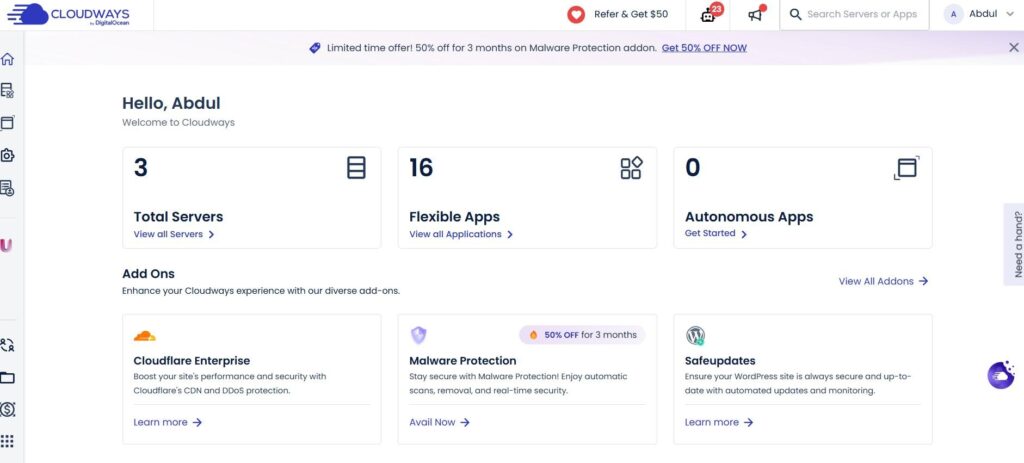
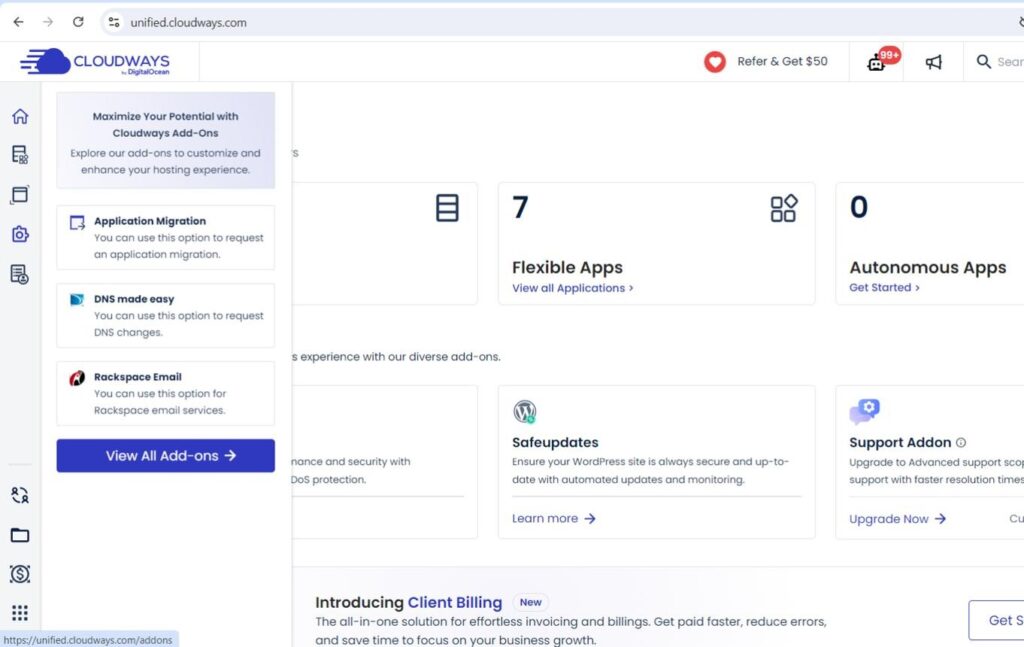
CloudWays

Cloudways provides managed cloud hosting services as well as server options from DigitalOcean, AWS, and Google Cloud. Users can select their cloud provider and server location.

The platform contains an exclusive control panel for managing servers. A user-friendly interface for controlling the resources of their BuddyBoss sites allows them to analyze their server performance.

Cloud Options:

  • DigitalOcean
  • Amazon Web Services
  • Google Cloud Platform
  • Linode
  • Vultr

7 words cloudways has pay as you use pricing. Users can scale up and down server resources based on the community growth and traffic.

Their hosting service comes with built-in caching, free SSL and auto backups. People can use host multiple versions of PHP, and staging environment tools are included.

Frequently Asked Questions

What is BuddyBoss and why is it popular for WordPress websites?

BuddyBoss is a great tool for creating online communities and membership sites which is built on WordPress. Due to its flexibility and integration, it is pretty popular as it allows users to create dynamic WordPress sites with forums, social networking, courses, and more.

What are the best performance and value hosting options for BuddyBoss?

For BuddyBoss in 2025, the best performing and value hosting is offered by hosting providers which offer fully managed services for BuddyBoss. Seek hosting by business that provide optimized servers, dedicated hosting plans and support for plugins that enhance BuddyBoss functionality.

How do I choose the best hosting provider for my BuddyBoss membership site?

To choose the best hosting for your BuddyBoss membership site, you must consider quite a few things that include server performance, uptime guarantees and more. Suggestions for your BuddyBoss hosting include providers that specialize in managed BuddyBoss hosting and who offer free trials.

Can I use any web hosting service for my BuddyBoss site?

You can actually use any web hosting service for your BuddyBoss site, however, it is advised that you choose a hosting service that is optimized for BuddyBoss. As a result, your website will operate more smoothly for your community.

What features should I look for in a BuddyBoss hosting setup?

When looking for hosting for BuddyBoss, you should look for high-performance server hardware, dedicated server hosting and buddy boss theme and plugins support. Hosting providers worth considering will also offer solid security measures and backups to protect your data.

Are there specific hosting solutions built for BuddyBoss?

BuddyBoss has some unique requirements due to the code, which not many hosts meet. However, there are some hosting solutions which are built for this purpose only. BuddyBoss hosting services provide optimized environments for your BuddyBoss app and membership site to operate as fast as possible.

How does hosting affect the performance of my BuddyBoss site?

The performance of your BuddyBoss site depends heavily on your hosting. If you have a dependable hosting provider that has optimized servers, your load times will increase, downtime will decrease and overall user experience will be better. Retaining members and smooth interactions on your platform will require these.

What are the recommendations for hosting a BuddyBoss platform?

Here’s what you need to look at when considering a hosting provider for BuddyBoss. Make sure that they offer specialized support BuddyBoss, they offer fully managed hosting and their reviews are good for performance.
It is best to go for a hosting provider that gives you a variety of options to choose from and dedicated hosting if your conditions are met.

Final Thoughts

There are multiple BuddyBoss hosting options available in 2025 for Communities. Each hosting provider has a unique set of benefits.

WP-Tonic is strongly optimized for BuddyBoss with managed services. They manage the technicalities of the platform while performing admirably.

Rocket and Kinsta are traditional WordPress hosts with robust infrastructure. These services are suitable for BuddyBoss websites that require enterprise-grade reliability.

Key factors remain consistent across all hosting decisions:

  • Server performance and caching capabilities
  • Technical support quality
  • Scalability options
  • Pricing structure alignment with growth plans

Community site owners need to assess their specific need first. A small membership site has different requirements than a large community site.

Free trials offer valuable testing opportunities. Most providers let you evaluate performance and compatibility before signing out long-term contracts.

How and where something is hosted can affect the user experience as well as the capacity for community growth. Choosing a good provider means balancing current needs with future factors.

A good host needs to optimize your BuddyBoss site and be optimized for BuddyBoss sites. Membership functionalities may be challenging with a generic hosting solution.

Comments are closed.