

Summary
When you are considering the best Online course platforms for creators, you have a ton of choices to choose from. Still, only a couple bubble to the top for serious consideration. Even then, there are tell-tale signs that one shines above the rest. Our client load and working relationship being listed as one of their referred experts seals the deal. In this post, we reveal that shining star as well as a few viable options.

Best Online Course Platform For Creators: Complete Guide
Choosing the right platform to create and sell online courses can determine whether a course business thrives or struggles. The best online course platforms combine intuitive course builders, flexible pricing options, and marketing tools that help creators launch and scale their educational content efficiently. Some platforms excel at course creation, while others prioritize community engagement or offer comprehensive all-in-one solutions.
The landscape of course creation platforms ranges from free options that allow creators to build one course to robust learning management systems supporting unlimited courses. Each platform serves different needs, whether a creator wants a simple course builder with a free trial, access to an established course marketplace, or tools to build an entire online school. Understanding the strengths and limitations of each option helps creators match their requirements with the right features.
Overview of LifterLMS
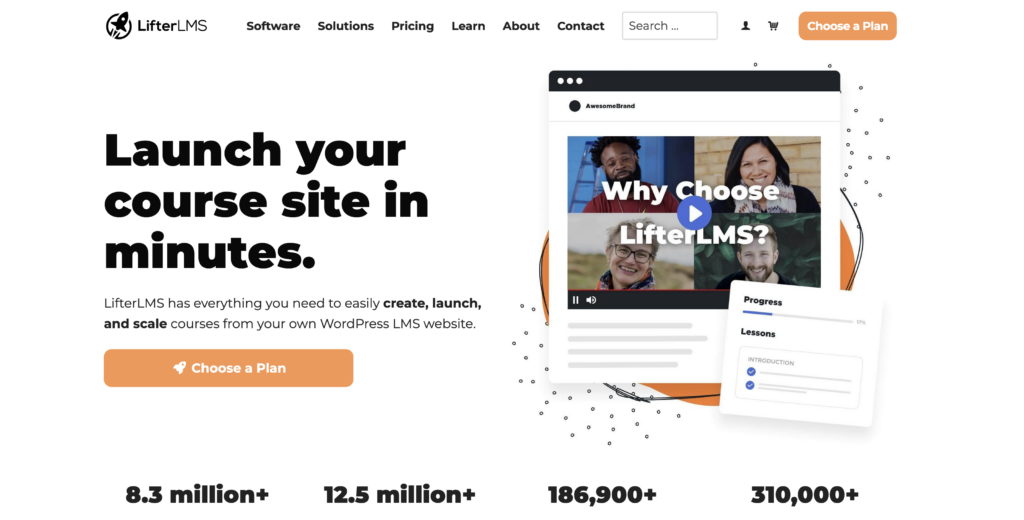
LifterLMS is a WordPress plugin designed for creating and selling online courses directly from a WordPress website. The platform provides course creators with tools to build courses, manage students, and monetize educational content without relying on third-party course marketplaces.
The plugin offers a course builder that allows instructors to organize lessons, topics, quizzes, and assignments within their courses. Users can create unlimited courses with the core plugin, which LifterLMS generously offers at no charge. LifterLMS includes features for drip content scheduling, prerequisites, and course completion tracking.
- Membership site capabilities for recurring revenue
- Quiz builder with multiple question types
- Student management dashboard
- Email notification system
- Certificates and achievement badges
This is included in the core plugin that is free. Beyond free, is a complete menu of premium add-ons that take LifterLMS into a category that surpasses nearly all other options.
- Payment gateway (native to LifterLMS)
- WooCommerce
- Email Integrations
- Advanced Quizzes
- Gift Options
- Private Site – locks down the whole site for members only
- Continuous Education
- Focus Mode
- Notes
- Abandoned Cart Recovery
- Advanced Video management
- and more…
These options are available à la carte or in combination, sold by LifterLMS as “bundles”.
LifterLMS integrates with popular WordPress themes and plugins. The system requires users to have WordPress hosting and a domain. This gives course creators full control over their content and student data.
The platform suits those who prefer hosting courses on their own website rather than using hosted solutions. It works well for coaches, educators, and organizations that already use WordPress or want complete ownership of their online school infrastructure.
One of the standout features of LifterLMS is its personal support. They host weekly Office Hours for premium users, but also do weekly live video sessions open to the public. They call these the “Ask Us Anything” calls. They have email, text, and ticketed support as well as one of the best collections of document support for any plugin.
The icing on the cake is their free Academy, combined with their popular podcast “LMSCast” which features case studies, tutorials, and connections to other powerhouses in the WordPress space.
The combination of all of these features puts them at the top of our list, but read on… there is more great stuff below.
Key Features of Kajabi
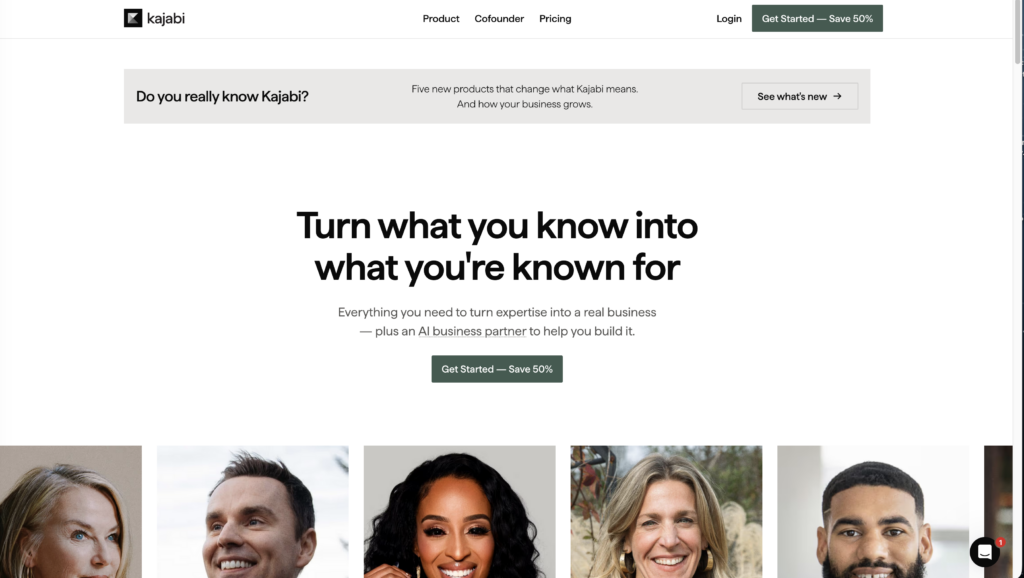
Kajabi operates as an all-in-one platform designed for course creators who want to build, market, and sell online courses from a single dashboard. The platform eliminates the need to integrate multiple third-party tools.
Course Creation Tools
Kajabi provides a comprehensive course builder that allows creators to upload video content, PDFs, quizzes, and other course materials. Users can organize content into modules and lessons with drag-and-drop functionality. The platform supports unlimited courses on most plans, giving creators flexibility to expand their offerings.
Marketing and Sales Features
- Email marketing automation with customizable campaigns
- Landing page builder with pre-designed templates
- Sales funnels and pipeline management
- Payment processing for one-time purchases and subscriptions
- Affiliate program management
Website and Customization
Creators can build their entire online school using Kajabi’s website builder. The platform offers customizable themes that work without coding knowledge. Users maintain full control over branding, domain settings, and site structure. This is a shining star of improvement for Kajabi, as they have improved this function greatly over the years.
Student Experience
The learning management system includes a mobile app for students to access course content. Progress tracking, assessments, and community features enhance the learning experience. Creators can drip content on scheduled timelines to control course pacing.
Analytics and Reporting
Kajabi tracks student engagement, course completion rates, and revenue metrics through built-in analytics dashboards. These insights help creators optimize their course content and marketing strategies. The platform does not offer a free plan but provides a free trial period for new users.
While the ownership and flexibility of WordPress is very attractive, for those who would prefer to be on a SAAS platform, Kajabi is an excellent choice.
Using LearnDash for Course Management
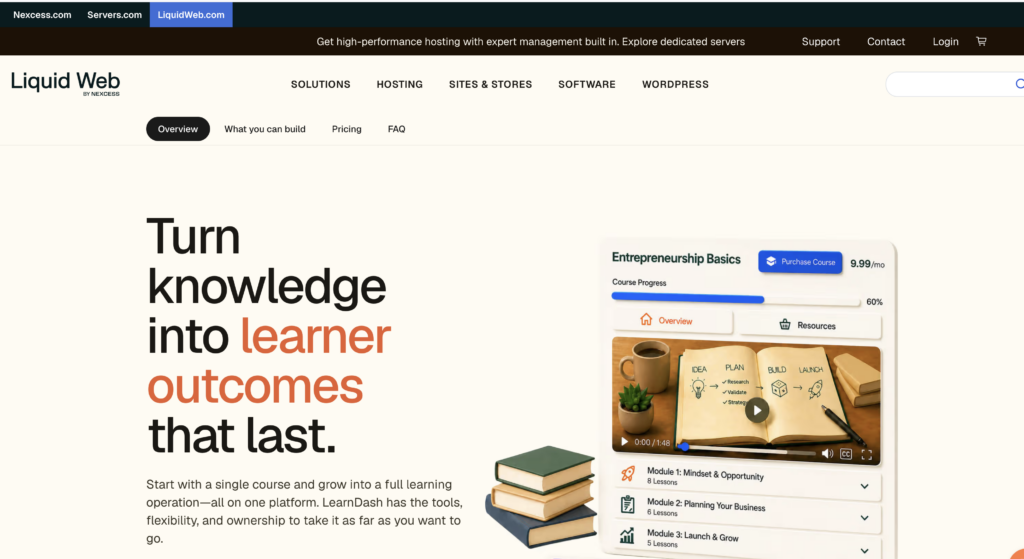
LearnDash operates as a WordPress plugin designed for course creators who want to build and manage online courses on their own websites. The platform integrates directly into WordPress, allowing users to maintain control over their content and branding.
The course builder includes a drag-and-drop interface for organizing lessons, topics, quizzes, and assignments. Course creators can structure their content using learning paths that guide students through material in a specific sequence. The platform supports drip-fed content, which releases lessons on a schedule rather than all at once.
Key Management Features:
- Customizable quiz builder with multiple question types
- Assignment uploads and grading tools
- Student progress tracking and reporting
- Certificate and badge generation
- Group management capabilities
- Integration with major payment gateways
LearnDash provides multiple monetization options for those who want to sell courses. Creators can set one-time payments, subscriptions, or membership plans. The platform supports integration with WooCommerce and major LMS tools.
The platform does not include hosting, as it requires an existing WordPress site to function. Course creators need to purchase the LearnDash plugin separately. No free plan exists, though the company offers a 30-day money-back guarantee.
An attractive angle to LearnDash is a similar model to LifterLMS, where the platform is extendable through add-ons.
Student engagement tools include forums, notifications, and social learning features. The reporting dashboard displays completion rates, quiz scores, and time spent on course material. Course creators can export data for further analysis or record-keeping purposes.
As part of our review, we do need to be transparent that there is currently a tumultuous environment for LearnDash and the sister brands it has with its parent company. In some kind of rebrand or organization, the independent sites of the Stellar family brands have been taken down. This makes finding support documentation and details about the products difficult to pinpoint.
For the record, this is a long-standing product that has demonstrated reliability in its lifetime. However, the lack of development in recent years and the reorganization surrounding the brand keep it from being a top place holder.
Teachable: Pros and Cons
Pros:
- User-friendly interface that allows course creators to build and launch courses without technical expertise
- Unlimited courses and students on all paid plans, including the Basic tier
- Integrated payment processing with support for multiple currencies and payment plans
- Built-in marketing tools including email campaigns, affiliate programs, and coupon codes
- Custom domain support and branding options to create a professional online school
- Robust analytics dashboard to track student progress and sales performance
- No transaction fees on the Pro and Business plans
Cons:
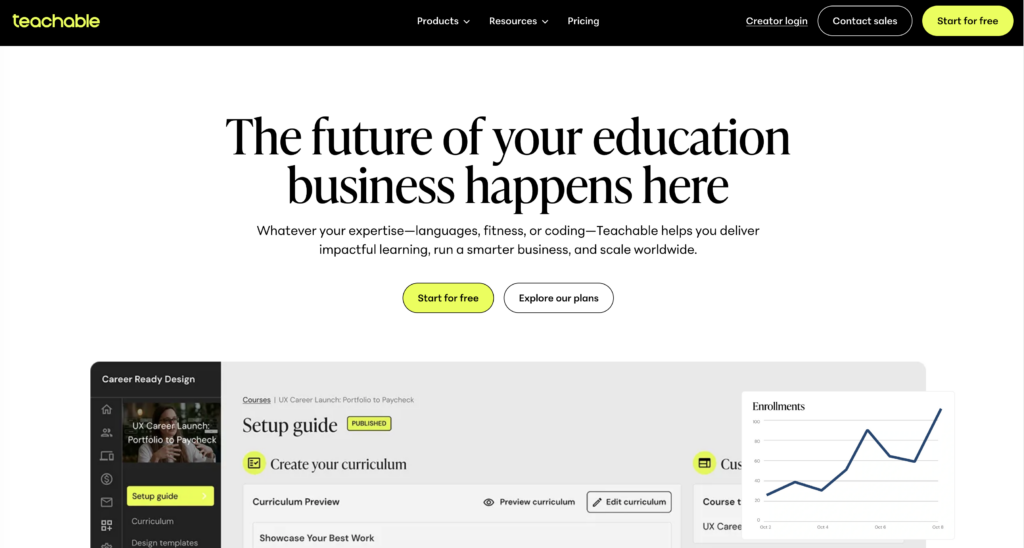
- The free plan only allows creators to publish 1 course with a $1 + 10% transaction fee on sales
- Basic plan includes a 5% transaction fee on all course sales
- Limited design customization compared to some competitors
- Course marketplace access requires the Business plan
- Higher pricing tiers needed to access advanced features like course completion certificates
- Email marketing capabilities are basic and may require third-party integrations for advanced campaigns
| Plan | Transaction Fee | Course Limit |
|---|---|---|
| Free | $1 + 10% | 1 course |
| Basic | 5% | Unlimited |
| Pro | 0% | Unlimited |
| Business | 0% | Unlimited |
Teachable works well for creators who prioritize ease of use and scalability. The platform requires minimal setup time, allowing instructors to focus on course content rather than technical configuration.
The translation of the above paragraph is that you do not get the same flexibility and ownership you may have come to expect with WordPress-hosted platforms. This is a great platform for creators who are more focused on the learning content than the experience it brings, who are also looking for a faster deployment.
Exploring Thinkific
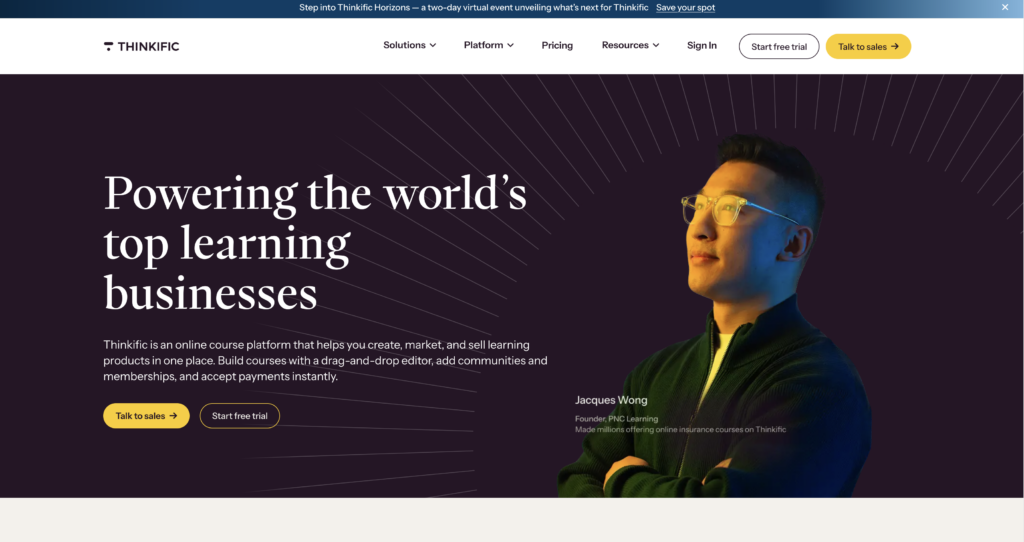
Thinkific stands out as a comprehensive online course platform that enables creators to build and sell courses without technical expertise. The platform offers a free plan that allows creators to launch 1 course with unlimited students, making it accessible for those just starting their online teaching journey.
In our opinion, this is a great sandbox to do a “proof of concept” to qualify the veracity of your project. As with most SAAS platforms, however, liberating your data can have its challenges. So if your proof of concept is a success, and you choose to migrate, you may have a sizable manual task in front of you.
Key Features:
- Course Builder: Drag-and-drop interface for creating course content
- Free Trial: Available for premium plans to test advanced features
- Unlimited Courses: Available on paid plans for scaling course offerings
- Course Marketplace: Optional visibility in Thinkific’s course directory
The platform functions as an all-in-one solution for course creation and delivery. Course creators can upload video, audio, PDF, and text-based course material through an intuitive interface. The learning management system handles student enrollment, progress tracking, and completion certificates.
Thinkific provides templates and tools to help create a course outline efficiently. Creators maintain full control over their course content, branding, and pricing. The platform supports both free online courses and paid offerings, giving flexibility in monetization strategies.
| Plan Type | Courses Allowed | Transaction Fees |
|---|---|---|
| Free | 1 course | No transaction fees |
| Basic | Unlimited | No transaction fees |
| Pro | Unlimited | No transaction fees |
The creation platform includes features for building an online school with multiple courses under one brand. Course builders can customize their site design and domain while maintaining ownership of student data. Thinkific handles payment processing, student management, and content delivery through its infrastructure.
Community Building with Circle.so
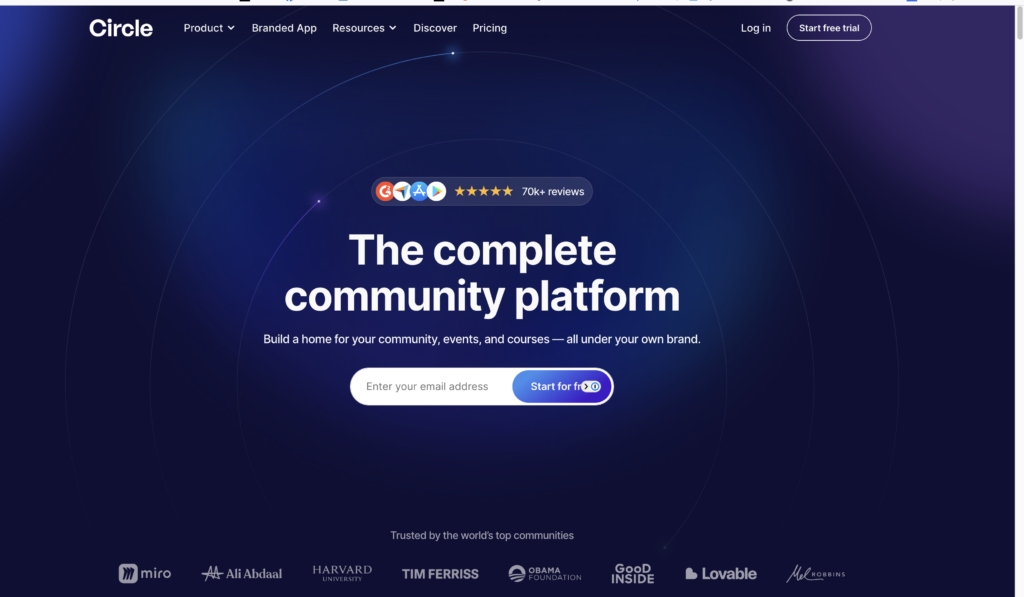
Circle.so serves as a dedicated community platform that course creators can integrate with their online courses. The platform focuses on creating spaces where students can interact, discuss course content, and build relationships beyond the structured lessons.
Key Features for Course Creators:
- Discussion spaces organized by topics or modules
- Member profiles that showcase student progress and engagement
- Live chat and direct messaging capabilities
- Events calendar for hosting live sessions and workshops
- Native integration with major course platforms
Course creators can use Circle.so to host student discussions, Q&A sessions, and peer-to-peer learning. The platform allows members to ask questions, share their work, and receive feedback from both instructors and fellow students.
Circle.so offers different pricing tiers based on community size and features needed. A free plan provides basic community features with limited members. Paid plans unlock additional customization options, remove Circle branding, and support larger member counts.
The platform works as a standalone community or connects with existing course platforms through integrations and APIs. Creators who want to build a strong student network often pair their course content with a Circle community. This combination helps increase course completion rates and student satisfaction.
| Plan Type | Member Limit | Custom Branding |
|---|---|---|
| Free | Up to 100 | No |
| Professional | Unlimited | Yes |
| Business | Unlimited | Yes |
Circle.so provides analytics to track member engagement, popular discussion topics, and community growth metrics.
Circle.so has a loyal following but also a polarized opposition. While some find the social engagement natural, others find it alienating and featureless. This is one to check out as a creator and a user before making the decision. We personally know people who have been very successful in this platform… so it does work. Use case is the key. Make sure it fits yours before investing.
Fluent Community Capabilities
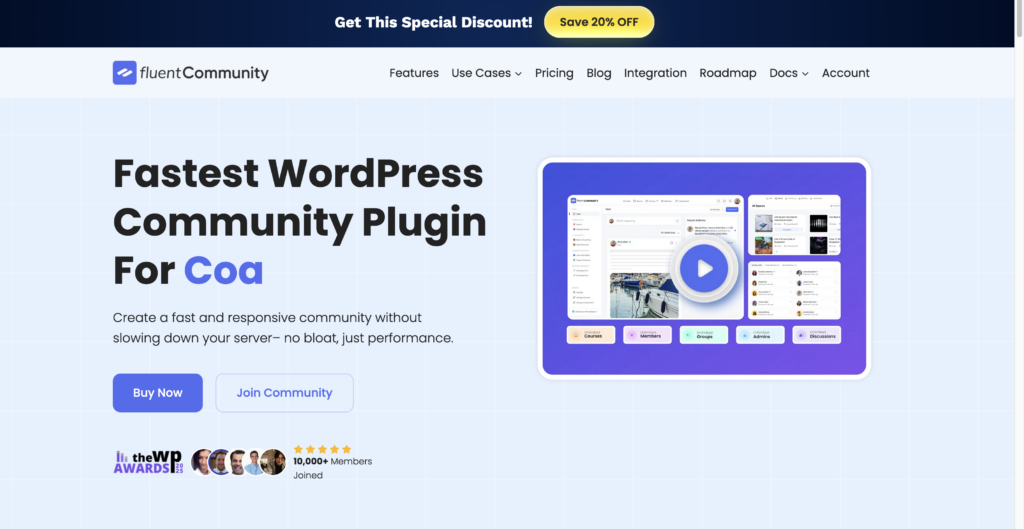
Fluent Community operates as a membership and community platform that integrates directly with WordPress sites. Course creators can use it to build discussion forums, member directories, and social learning spaces alongside their educational content.
The platform supports threaded discussions where students can ask questions, share insights, and collaborate on course material. Members can create profiles that display their progress, expertise, and contributions to the community. This helps establish connections between learners who share similar goals or interests.
Fluent Community includes several key features for course platforms:
- Member management tools for organizing users into groups
- Activity feeds that display recent discussions and updates
- Direct messaging between community members
- Notification systems for staying updated on conversations
- Content moderation controls for maintaining community standards
The platform works with popular learning management systems and course plugins. Creators can set different permission levels for various member types, controlling who can view specific discussions or participate in certain groups.
Integration with WooCommerce and other payment systems allows creators to gate community access based on course enrollment or membership status. Students who purchase specific courses can automatically gain access to relevant community spaces.
Since it is WordPress based and created by the makers of FluentCart, Fluent Form, Fluent Support, Fluent Booking, Fluent Boards, and Fluent SMTP… we see it as a gateway to complete student satisfaction as your project scales. If your course leads you to coaching, integrating Fluent Booking to your site opens up live coaching appointments, and so on.
The free plan includes basic community features with limitations on member counts. Paid tiers unlock advanced functionality like custom fields, enhanced moderation tools, and priority support. Course creators can start with limited features and expand as their community grows.
Conclusions
Selecting the right online course platform depends on specific needs and priorities. Course creators should evaluate platforms based on their current skill level, budget constraints, and long-term business goals.
Key factors to consider include:
- Pricing structure – Free plans versus paid subscriptions
- Course limits – Platforms offering unlimited courses versus single course restrictions
- Built-in marketing tools – Email capabilities and sales funnels
- Payment processing – Transaction fees and payout schedules
- Customization options – Branding control and design flexibility
All-in-one platforms provide integrated solutions for course creation, hosting, and sales. These options work well for creators who want to manage everything from one dashboard. Alternatively, course marketplaces offer built-in audiences but typically charge higher fees and provide less control over branding.
Free trials allow creators to test platform features before committing financially. Most platforms provide enough time to build a sample course and evaluate the user interface. Free plans enable beginners to start without upfront costs, though they usually include limitations on course numbers or student capacity.
The best platform varies by individual circumstance. New creators might benefit from free options to test the market. Established educators with existing audiences may prefer platforms that offer more customization and lower transaction fees. Technical requirements, content delivery methods, and target audience preferences all influence which platform will deliver the best results for each course creator’s situation.
When push comes to shove, and you force a response from me… LifterLMS rises to the top, and we include the Infinity Bundle with WP-Tonic hosting. Still, the other options we discussed may suit your individual use case.


