Summary
We see this topic all the time: “What is the best school website builder for teachers and educators?” Well, the answer changes as the details get filled in. How many courses, students, instructors, stakeholders, and what kind of revenue are you generating? As you fill in these details and build your needs list, certain tools rise to the top. Right out of the gate, you need to ask yourself, “Do I want ownership and flexibility, or do I want a perceived simplification to launch?”. In this post, Jonathan helps break down the wall of SAAS vs Self-hosted.
Teachers’ Needs in the Learning Space
Teachers need effective online spaces to share lesson plans, communicate with parents, and showcase student work. The best website builders for teachers in 2026 offer free plans with intuitive drag-and-drop interfaces, education-specific templates, and options to add custom domains as needs grow. Platforms like WordPress.com, Wix, and specialized education site builders provide ready-made solutions that require no coding knowledge.
Building a teacher website has become simpler as platforms recognize the unique needs of educators and tutors. Many teachers use these tools to keep students and parents informed about classroom activities, assignments, and important updates. The right website builder can transform how an educator connects with their community while maintaining a professional online presence.
This guide examines the top website builders suited for educational purposes, comparing free and paid plans alongside open source alternatives. Teachers will find practical information about creating education websites that support their teaching goals and foster stronger connections with students and families.
The Rise of Online Community Building in Education
Teachers increasingly use websites to foster connections between students, parents, and fellow educators. This shift reflects a growing need for centralized digital spaces where learning extends beyond physical classrooms.
Website builders now offer features specifically designed for educational communities. Teachers can share lesson plans, post announcements, and create discussion forums where students collaborate on projects. Parents access real-time updates about their children’s progress and upcoming assignments.
One of the obstacles in this space is the user experience on both sides of the equation. Some platforms favor a teacher experience, and the user friction is super high on the parent or student side. Others have a clean UX for parents and students, but intricately confused processes for teachers and moderators. The trick is to find the tool that meets you in the middle and serves both parties well.
Key benefits of online educational communities include:
- Direct communication channels between teachers and families
- Spaces for students to share work and receive feedback
- Resource libraries accessible 24/7
- Event calendars for class activities and deadlines
Many educators create private class websites where students engage with course materials at their own pace. These platforms support various learning styles through multimedia content like videos, interactive quizzes, and downloadable resources.
The demand for community-focused features has influenced the development of website builders. Platforms now include member login areas, file sharing capabilities, and tools for organizing students into groups. Teachers without technical expertise can set up functional community sites using ready-made templates.
| Community Feature | Primary Use |
|---|---|
| Discussion Boards | Student collaboration |
| News Updates | Parent communication |
| File Sharing | Resource distribution |
| Event Calendars | Schedule management |
Educational websites serve as digital hubs where all stakeholders connect. Teachers maintain these spaces to keep students engaged and parents informed throughout the school year.
Advantages of Open Source Solutions for School Websites
Open source website builders provide schools with complete control over their digital infrastructure without licensing fees. Platforms like WordPress, Joomla, and Drupal allow educational institutions to customize every aspect of their websites according to specific needs. One of the primary and historically used Open Source tools is Moodle, but over time, it seems that WordPress offers have developed usability that supersedes Moodle.
Key Benefits:
- Cost Efficiency: No recurring subscription fees for the core software
- Full Ownership: Schools maintain complete control of their data and content
- Flexibility: Unlimited customization options through themes and plugins
- Community Support: Access to extensive documentation and active developer communities
Open source solutions scale effectively as schools grow. Teachers can add new features, pages, or functionality without requesting approval from vendors or facing additional charges.
The transparency of open source code allows IT departments to audit security measures and implement custom protections. Schools can verify that student data remains protected and compliant with educational privacy regulations.
Many open source platforms offer thousands of free plugins specifically designed for education. These tools enable features like assignment submission portals, grade books, event calendars, and parent communication systems.
Schools using open source solutions avoid vendor lock-in. They can migrate their websites to different hosting providers or modify the platform without losing years of content and customization work. This independence proves valuable for long-term budget planning and institutional autonomy.
Technical staff gain opportunities to develop expertise with widely-used platforms. The skills acquired working with open source systems transfer to other professional contexts and enhance the value of in-house IT teams.
Overview of Top Website Builders for Educational Institutions in 2026
Educational institutions need platforms that balance professional design with practical features like event calendars, resource sharing, and parent communication tools. The leading website builders in 2026 offer specialized templates and functionality designed specifically for schools, teachers, and tutoring centers.
Squarespace

Squarespace provides educational institutions with premium templates that maintain a professional appearance across all devices. The platform includes built-in scheduling tools, galleries for student work, and password-protected pages for class-specific content.
Teachers can create resource libraries using the file storage system. The blogging feature allows educators to share updates with parents and post lesson recaps. Squarespace charges $16 per month for the Personal plan and $27 per month for the Business plan, with no free option available.
The drag-and-drop editor requires no coding knowledge. Custom domains are included with annual plans. The platform handles all hosting and security updates automatically, eliminating technical maintenance for educators.
Morweb
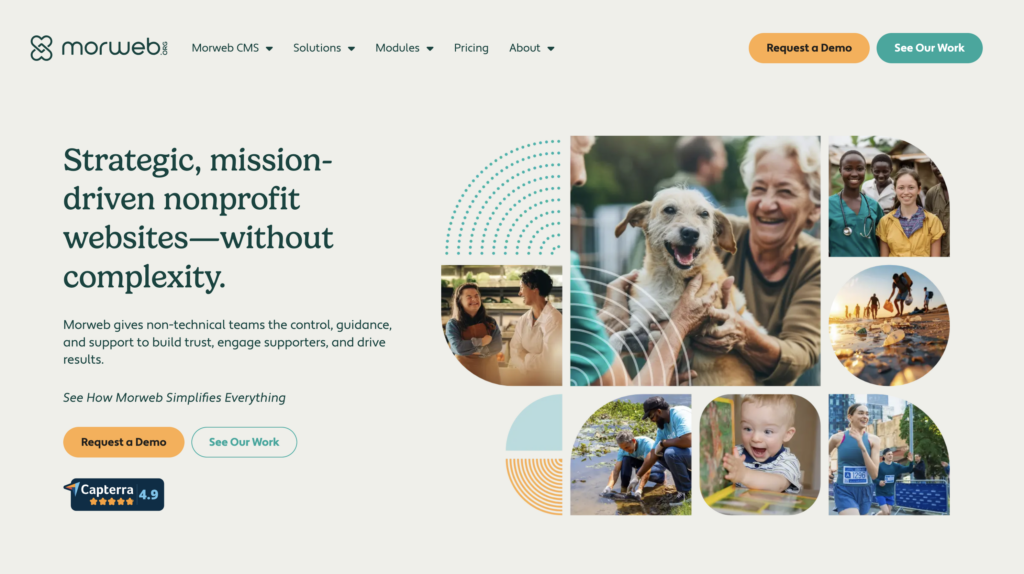
Morweb specializes exclusively in website solutions for schools and educational nonprofits. The platform offers ADA-compliant templates designed to meet accessibility standards required by educational institutions.
Key features include integrated calendar systems, emergency alert notifications, and staff directory management. The content management system allows multiple users with different permission levels, enabling department heads and teachers to update their own sections.
Morweb pricing operates on a custom quote basis depending on institution size and requirements. The platform includes donation management tools and integration with common school information systems. Technical support teams understand the specific needs of educational environments and provide training for staff members.
Wix
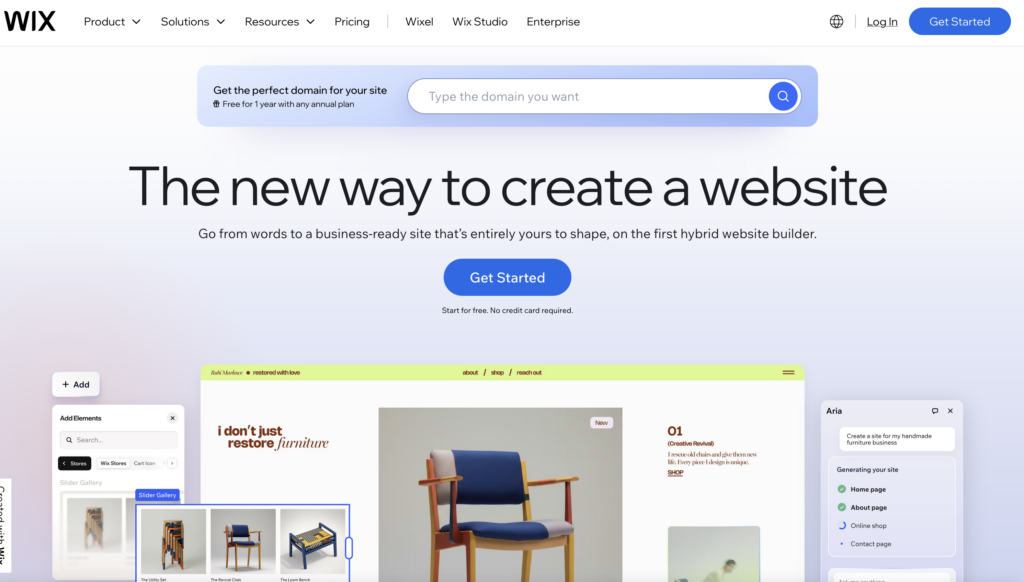
Wix offers a free plan that includes 500MB of storage and Wix-branded domain hosting. The platform features over 100 education-specific templates for schools, tutors, and online course creators.
The Wix ADI (Artificial Design Intelligence) tool automatically generates website layouts based on user inputs. Teachers can add booking systems for parent-teacher conferences, embed video lessons, and create forms for permission slips or registrations.
Paid plans start at $16 per month for the Combo plan with a custom domain. The unlimited plan costs $22 per month and removes storage restrictions. The platform supports third-party app integrations including Google Classroom and Zoom.
Finalsite
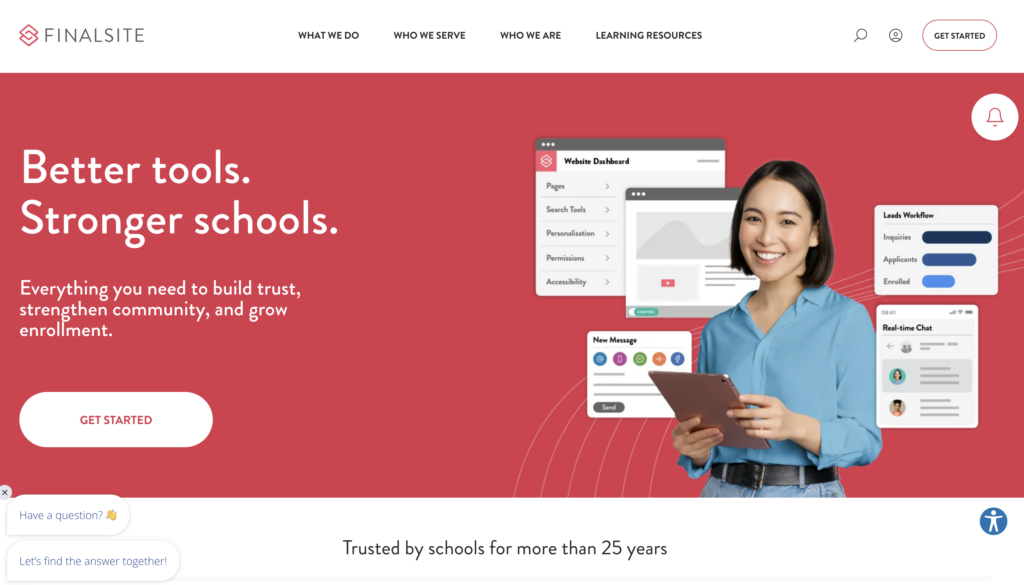
Finalsite caters to K-12 schools with enterprise-level website solutions and mobile apps. The platform handles large-scale content management across multiple campuses or district-wide networks.
Features include athletics management, admissions portals, and integrated communication systems for reaching parents via email, text, or app notifications. The CMS allows for consistent branding while giving individual schools autonomy over their content.
Pricing requires direct consultation based on district size and feature selection. The platform includes analytics showing which pages parents and students visit most frequently. Finalsite provides dedicated account managers and ongoing training sessions for administrative staff.
WP-Tonic

WP-Tonic builds on WordPress to create learning management system (LMS) functionality for teachers who sell courses or run tutoring businesses. The platform combines website building with course delivery tools.
Users can create membership sites where students access exclusive content. Payment processing integrates directly into the website for course sales. The platform supports video hosting, quizzes, and progress tracking for enrolled students.
WP-Tonic offers a starter plan at $197 per month including hosting and LMS plugins. The platform requires more technical knowledge than drag-and-drop builders but provides greater flexibility for educators building full online schools. Support includes setup assistance and WordPress security management.
Final Thoughts
Selecting the right website builder depends on individual teaching needs and technical comfort levels. Teachers should prioritize platforms that offer education-specific templates and student-safe features. For example, Squarespace and Wix in our opinion is not LMS software. It’s more like a general website space twisted and tweaked to be nearly suitable, while the other options we discuss are more learning-focused.
Free plans work well for educators just starting out or those with basic requirements. For a proof of concept for your curriculum or business idea, this is the best way to try-before-you-buy. These options typically include enough storage and pages for class information, lesson plans, and contact details. Teachers who need advanced features like custom domains, student portals, or integrated calendars should consider paid plans.
The best website builders for teachers share common characteristics:
- Intuitive drag-and-drop editors that require no coding knowledge
- Mobile-responsive designs for parents and students on any device
- Privacy controls to protect student information
- Communication tools for updates and announcements
- Resource-sharing capabilities for assignments and materials
WordPress.com remains a solid choice for teachers comfortable with more customization options. (and the favorite for WP-Tonic) Platforms with ready-made education templates save significant setup time. Many teachers find success with builders that offer specific features for tutoring websites or classroom management.
Budget matters, but free options provide substantial functionality for most educational purposes. Teachers can always upgrade as their website needs expand. The platform should help keep students and parents informed without creating extra work.
Testing multiple builders through their free trials helps identify the best fit. Most platforms allow teachers to build and preview their website before committing to any plan. Another great source is to refer to the company tutorial offerings. For example, LifterLMS has a free academy on their website that basically teaches you everything you need to know to get started, for free.