

BuddyBoss has emerged as one of the most resource-heavy WordPress platforms. This community-building platform requires significantly more server resources than a standard WordPress site due to its complex social features and real-time interactions.
Buying the right web host for BuddyBoss can make the difference between a successful online community and a slow platform that frustrates users. Many site owners realize too late that their hosting environment is not powerful enough to support member activity, activity feeds, dynamic page loading, and other essential features.
BuddyBoss requires more than just standard web hosting. It needs specific WordPress configurations such as sufficient PHP workers, object caching, and strong server performance. Understanding these technical requirements helps community builders choose a hosting solution that can scale with their members.
BuddyBoss: Why Is It So Demanding on Hosting?
BuddyBoss requires substantial server resources and creates complex database interactions. Each user action can generate multiple database queries.
Processing core community features such as activity feeds, messaging systems, and groups requires significant CPU power. These functions often run continuously in the background.
High Memory Requirements
- User sessions and data caching
- Real-time notifications
- Media file processing
- Plugin integrations
The platform’s social networking features place heavy demands on the database. When multiple users post or comment at the same time, server load increases significantly.
BuddyBoss sites also tend to upload larger files than typical WordPress sites. Adequate storage and bandwidth are necessary for profile pictures, group media, and shared content.
Resource-Intensive Features
- Live activity streams
- Member directories
- Group management systems
- Private messaging
- Email notifications
Because much of the content is generated dynamically, every page load triggers multiple database calls to display personalized information.
Caching requirements are also higher than on standard WordPress sites. Without proper caching, performance degrades quickly as traffic increases.
BuddyBoss installations often require specialized server setups. Shared hosting plans usually struggle to meet these demands.
Plugin compatibility can add even more complexity, as third-party extensions may consume additional resources.
Cloud vs VPS Hosting
BuddyBoss sites can benefit from both cloud hosting and VPS hosting, but they work differently.
Cloud hosting distributes your site across multiple servers. VPS hosting provides dedicated resources on a single physical server, including guaranteed CPU, RAM, and storage.
Comparison
| Feature | Cloud Hosting | VPS Hosting |
| Scalability | Automatic | Manual |
| Cost | Pay-as-you-use | Fixed monthly |
| Setup | Instant deployment | Configuration required |
| Reliability | Multiple server backup | Single server dependency |
Cloud hosting automatically scales resources during traffic spikes, which makes it ideal for growing communities. VPS hosting offers more predictable monthly costs but requires manual scaling.
Cloud hosting often includes managed services such as automatic updates. VPS hosting usually requires more technical management.
Cloud hosting also offers redundancy across data centers, while VPS hosting provides more control over server configuration.
Why We Love Vultr High-Frequency Servers for BuddyBoss
Vultr High-Frequency servers provide the performance needed for BuddyBoss sites to handle interactive, dynamic content efficiently.
These servers use NVMe SSD storage and high-performance CPUs optimized for database-heavy applications.
Key Performance Benefits
- Up to 3x faster disk I/O than standard VPS
- High-frequency CPUs for faster WordPress processing
- Low-latency network connections
BuddyBoss generates many database queries when users post updates, send messages, or view activity feeds. Vultr’s infrastructure handles these efficiently.
Vultr High-Frequency Specifications
| Feature | Standard VPS | High-Frequency |
| Storage | SSD | NVMe SSD |
| CPU Priority | Shared | Dedicated |
| RAM Speed | DDR4 | High-Speed DDR4 |
Global server locations also improve response times for international members.
Why PHP Workers Are Important for BuddyBoss
PHP workers process dynamic requests on WordPress sites. Each worker handles one request at a time.
BuddyBoss creates far more dynamic requests than a typical WordPress site because of:
- Activity feeds
- User profiles
- Group interactions
- Real-time notifications
When many users are active simultaneously, insufficient PHP workers create bottlenecks.
Typical PHP Worker Allocation
| Hosting Type | Typical PHP Workers | BuddyBoss Suitability |
| Shared Hosting | 2–4 | Poor |
| VPS | 5–15 | Good |
| Managed WordPress | 8–25+ | Excellent |
Problems Caused by Too Few PHP Workers
- Slow page loading
- Failed form submissions
- Incomplete activity feed updates
- Member login issues
Sites with over 100 active members generally need at least 10–15 PHP workers. Larger communities often require 20+.
Object Cache Pro
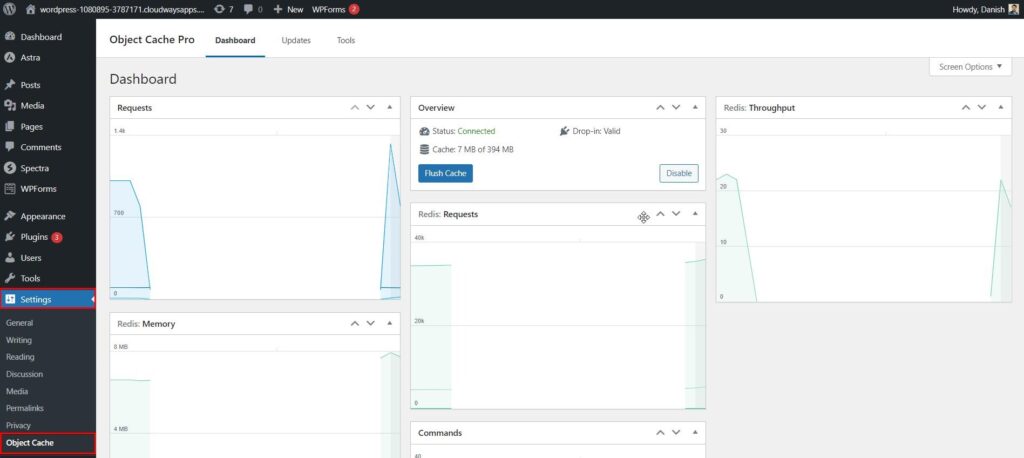
Object Cache Pro is a premium caching plugin that significantly improves WordPress and BuddyBoss performance.
5
It creates an in-memory cache layer for frequently accessed data, reducing database load.
Key Features
- Redis support
- Memcached support
- Real-time cache analytics
- Automatic cache warming
- Multisite compatibility
- Debug tools
Performance Benefits
- 50–90% reduction in database queries
- Faster page rendering
- Better server response times
- Improved concurrent user handling
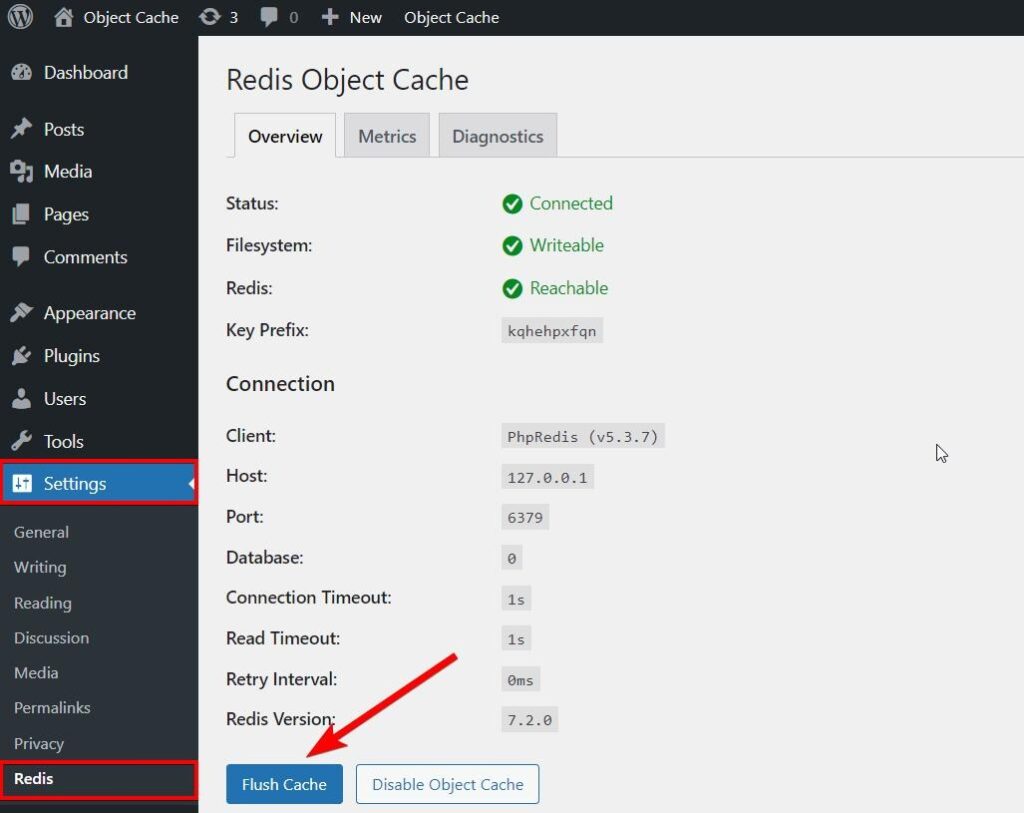
The plugin requires a Redis or Memcached server, which many managed WordPress hosts provide.
Pricing starts at $95 per year for unlimited sites.
Best BuddyBoss Hosting Providers in 2026
Several hosting providers offer environments optimized for BuddyBoss.
1. WP-Tonic
- Managed WordPress hosting
- BuddyBoss pre-installation
- Daily backups
- Staging site
- Expert support
WP-Tonic plans start at $29/month. Their hosting focuses on membership sites and online communities.
2. Kinsta
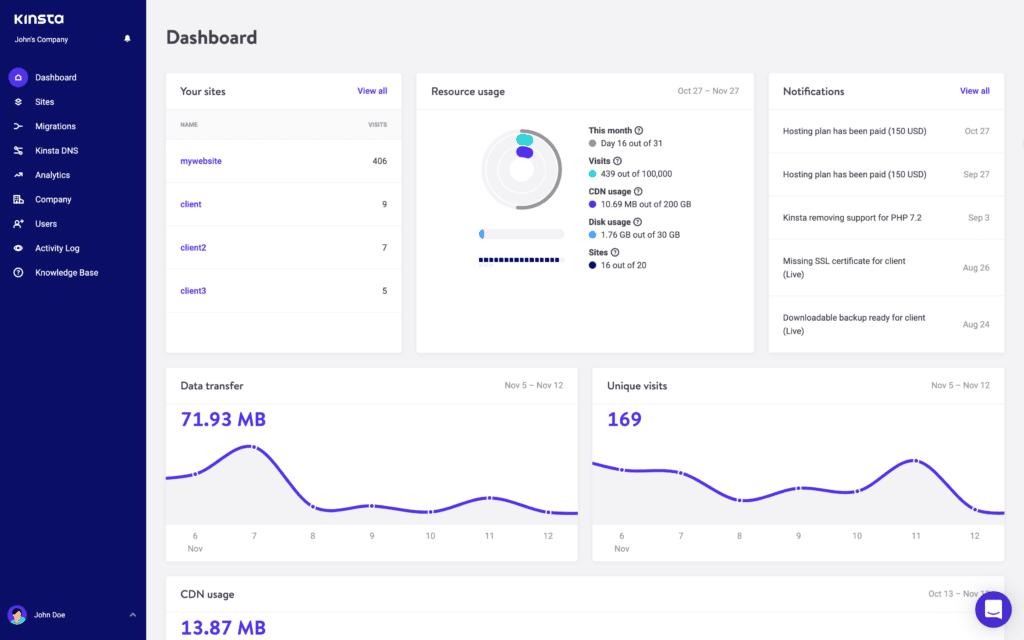
- Built on Google Cloud Platform
- Automatic daily backups
- Free CDN
- SSH access
- Staging environments
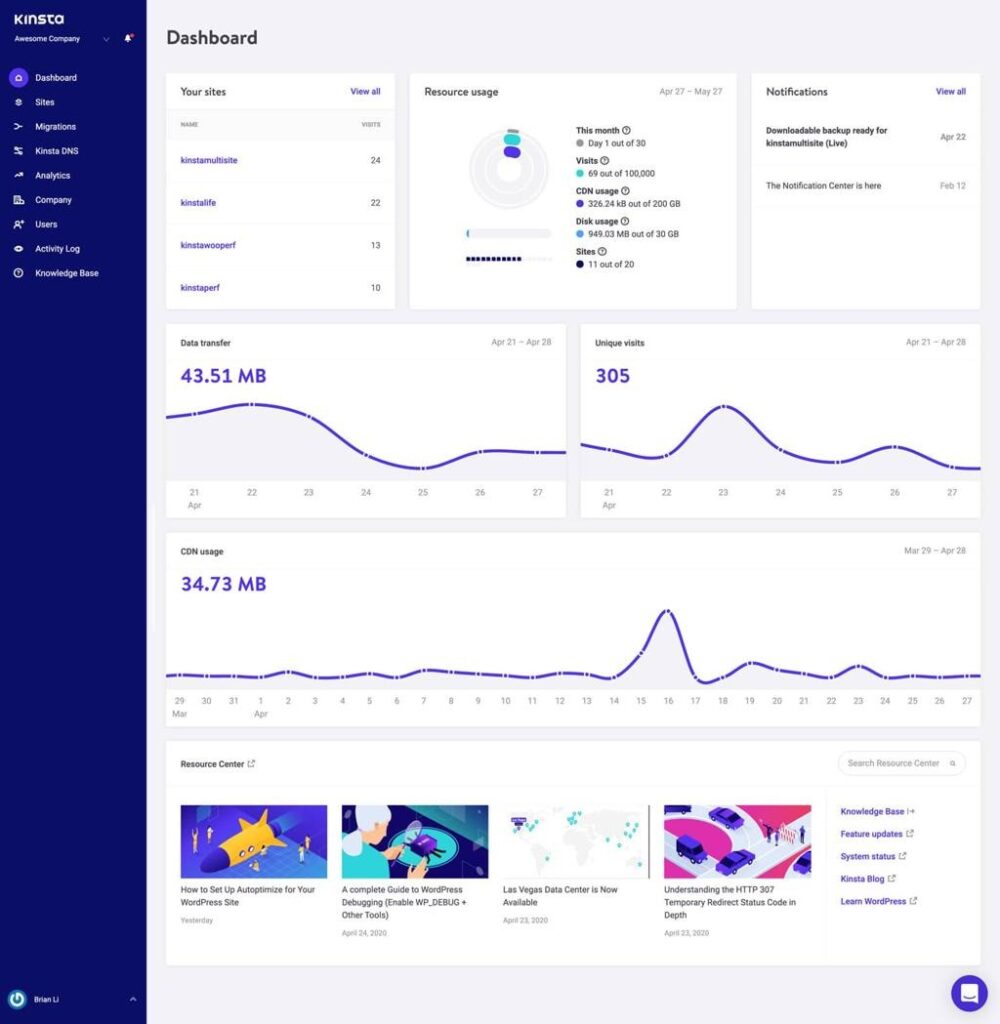
Kinsta pricing starts at $35/month and offers strong performance for high-traffic BuddyBoss sites.
3. Rocket.net
- NVMe SSD storage
- Built-in image optimization
- Database cleaning tools
- Free SSL
- Redis object caching
Rocket.net is known for speed optimization and includes free site migrations.
4. Rapyd Cloud
- Malware scanning
- DDoS protection
- Automatic updates
- Security audits
- Firewall protection
Rapyd Cloud focuses on managed hosting for community websites.
5. Cloudways
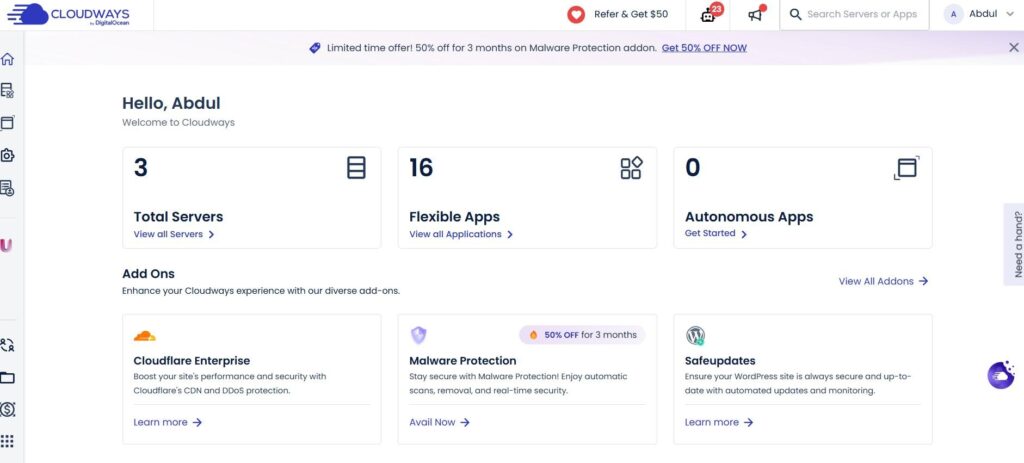
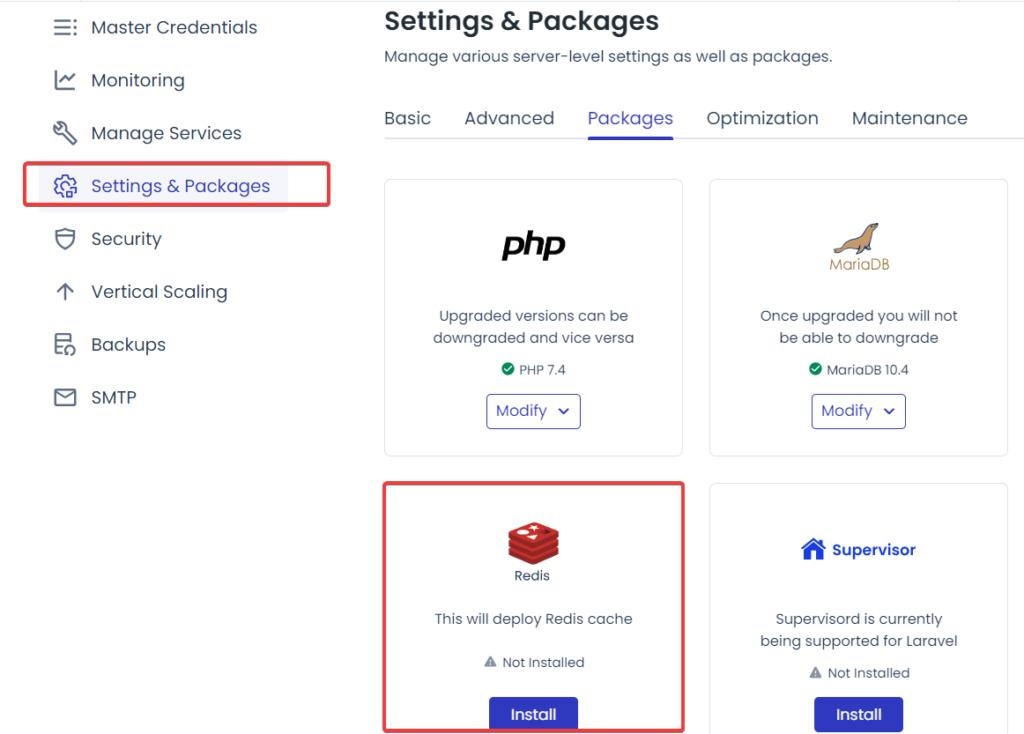
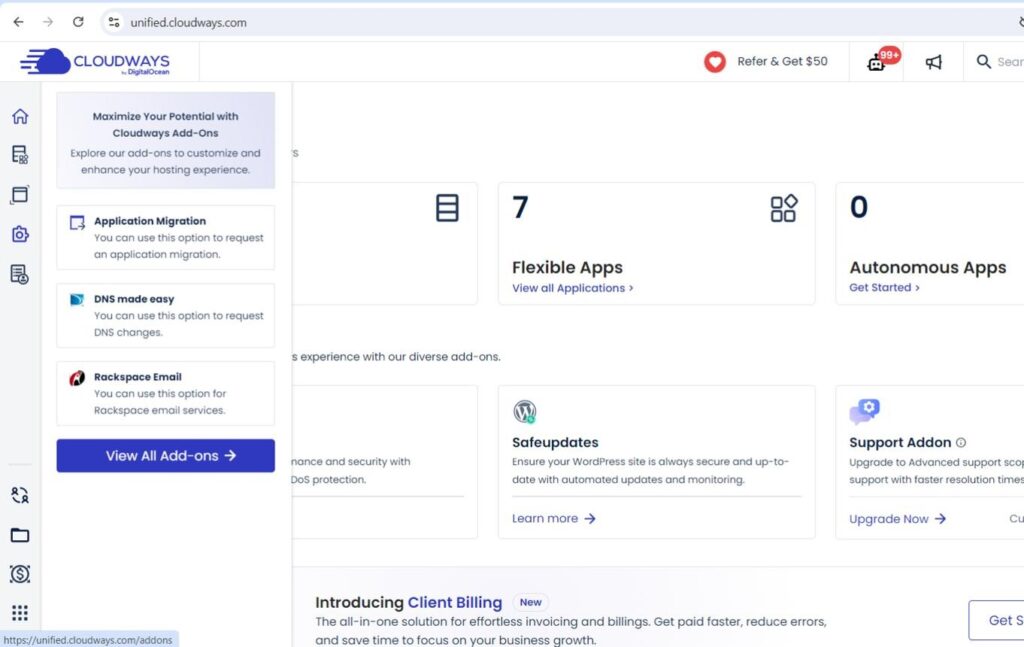
6
- Supports DigitalOcean
- AWS
- Google Cloud
- Linode
- Vultr
Cloudways offers pay-as-you-go pricing and flexible scaling.
Frequently Asked Questions
What is BuddyBoss and why is it popular for WordPress websites?
BuddyBoss is a platform built on WordPress for creating online communities, membership sites, forums, social networks, and online courses.
What are the best performance and value hosting options for BuddyBoss?
Managed WordPress hosts that provide optimized infrastructure, strong caching, and BuddyBoss-specific support typically offer the best value.
Can I use any hosting service for BuddyBoss?
Technically yes, but generic hosting often lacks the resources required for smooth community performance.
What features should I look for?
Look for:
- High-performance CPUs
- NVMe storage
- Dedicated resources
- Object caching
- PHP worker availability
- Daily backups
- Security tools
Final Thoughts
There are several strong BuddyBoss hosting options available in 2025, and the best choice depends on the size and needs of your community.
- WP-Tonic is tailored specifically for BuddyBoss users.
- Rocket.net and Kinsta offer premium infrastructure for larger communities.
- Cloudways offers flexibility for users who want more control.
Key Decision Factors
- Server performance
- Caching capabilities
- Technical support
- Scalability
- Pricing
Community site owners should evaluate their current needs and expected growth. A small membership site has very different requirements than a large online community.


