
Summary
Fundraising online can be a lot more efficient than running a “Go Fund Me” page. In this post, Jonathan shares some of the best tools for crowdsourcing as well as some of the strategies that bring the topic full-circle. Driving results through your efforts and having your message stay on point is key to next-level fundraising.

WordPress Fundraising: Best Plugins and Strategies for Nonprofits
WordPress is a powerful tool for nonprofits looking to raise funds online. Its customizable themes and diverse plugins make it an ideal platform for creating donation forms and managing donor information. Nonprofits can build attractive donation pages, integrate PayPal, and use GiveWP for recurring donations.
Using WordPress, organizations can optimize their websites for search engines, ensuring their fundraising efforts reach a broader audience. Plugins like WooCommerce and Event Calendar make it easy to organize events and track donations. Best of all, WordPress is free to use and offers solutions tailored to nonprofit needs.
Key Takeaways
- WordPress is useful for creating donation forms and tracking donor information.
- Plugins like GiveWP and WooCommerce enhance online fundraising capabilities.
- WordPress is free and customizable for nonprofit organizations.
What Is WordPress?
WordPress is a popular platform for website creation, offering tools to build and customize sites. Key features include starter themes, plugins, and various hosting options.
Starter Themes
Starter themes in WordPress provide a basic layout that users can modify to fit their needs. These themes are pre-designed templates with essential features like responsive design and customizable elements.
Some popular starter themes include:
- Kadence WP is powerful and modern.
- Astra: Lightweight and highly customizable.
- OceanWP: Versatile with many extensions.
These themes are ideal for beginners and experts, offering a good foundation for any website.
Plugin
Plugins extend the functionality of a WordPress site. With a vast library of over 55,000 plugins, users can add features like contact forms, SEO tools, and social media integration.
A COMPLETE STEP-BY-STEP CHEATSHEET
TO CREATING, LAUNCHING & GROWING A SUCCESSFUL MEMBERSHIP WEBSITE

Popular plugins include:
- WooCommerce: Turns your site into an online store.
- FluentCRM: Adds CRM and marketing automation for nonprofits.
Installing and managing plugins is straightforward, making enhancing your site’s capabilities easy.
Hosting
Choosing the right hosting is crucial for your WordPress site. Hosting providers store your website’s data and make it accessible online. Options range from shared hosting to dedicated servers.
Top hosting providers include:
- Bluehost: Recommended by WordPress, offers affordable plans. (poor quality hosting)
- WP Engine: Focuses on managed WordPress hosting with high speed and security.
Selecting the right hosting provider ensures your website runs smoothly and efficiently.
By understanding starter themes, plugins, and hosting options, users can leverage WordPress to create powerful and effective websites.
Why WordPress Is A Great Platform For Online Fundraising
WordPress offers numerous benefits for online fundraising, including cost savings, content and data ownership, and ease of use. Its community and SEO capabilities make it a versatile choice for nonprofits looking to enhance their digital presence.
Cost Savings
WordPress is open-source and free to use. This means nonprofits don’t need to pay for a license or subscription.
Many themes and plugins are also available at no cost. Organizations can easily set up their site without high upfront costs. Even paid plugins and themes tend to be affordable.
Using WordPress, nonprofits can avoid expensive development fees and invest more resources into their mission.
Content and Data Ownership
WordPress allows users full ownership of their content and data. There is no reliance on third-party platforms that might restrict access or charge extra fees.
Nonprofits can export their data and migrate to other platforms if needed. They can also back up their data efficiently.
This ensures long-term control over website content and donor information.
Ease and Flexibility
WordPress is highly flexible, accommodating various needs through numerous plugins and themes. Nonprofits can customize their sites to match their branding and goals.
Donation forms, event calendars, and other fundraising tools can be easily added. There is no need for extensive coding skills.
This allows organizations to quickly adapt their websites to changing needs and fundraising strategies.
Community
The WordPress community is extensive and supportive. Thousands of developers contribute to improving the platform and its plugins.
This means nonprofits can access vast resources, tutorials, and support forums.
Regular updates and security patches are also provided, ensuring the platform remains secure and up-to-date.
Easy Learning Curve and Editorial Experience
WordPress is user-friendly, making managing content easy for staff and volunteers. The visual editor simplifies the process of adding and updating pages.
Training new team members is straightforward, requiring minimal time and effort.
Nonprofits can focus on their mission instead of struggling with complex website maintenance tasks.
SEO and Digital Marketing Friendly Ecosystems
WordPress provides several tools and plugins to enhance SEO and digital marketing efforts.
Plugins like Yoast SEO help optimize content to rank higher in search engines.
Integrating social media platforms seamlessly allows nonprofits to extend their reach. This increases visibility and attracts more donors.
Online Donations: How To Get Started
To collect online donations using WordPress, follow these steps:
-
Choose a Donation Plugin: Select a donation plugin like GiveWP or PayPal Donations. These plugins offer features for managing and tracking donations.
-
Install and Activate: Go to your WordPress dashboard, navigate to Plugins, click “Add New,” search for the chosen plugin, and click Install followed by Activate.
-
Set Up Donation Forms: Create a donation form using your selected plugin. Ensure the form includes fields for donor information and donation amounts.
-
Customize the Form: Use the customization options to match the form design with your website’s theme. Add your logo, colors, and text styles.
-
Create a Donation Page: Add a dedicated page for donations. Use a clear, compelling message to encourage visitors to donate.
-
Integrate Payment Gateways: Connect payment gateways like PayPal or Stripe to handle transactions securely.
-
Add Recurring Donation Options: Enable recurring donations so supporters can give regularly.
-
Promote Your Donation Page: Share the donation page on social media, newsletters, and other platforms to reach a wider audience.
-
Monitor Donations: Keep track of donations through the plugin’s dashboard. Use this data to understand donor behavior and improve your strategies.
Following these steps, nonprofits can effectively collect online donations and enhance their fundraising efforts using WordPress.
Best Donation Plugins In 2024
Selecting the suitable donation plugin for your WordPress site can significantly impact your fundraising efforts. Here are some of the best donation plugins 2024, each offering unique features to help you reach your fundraising goals.
Paymattic
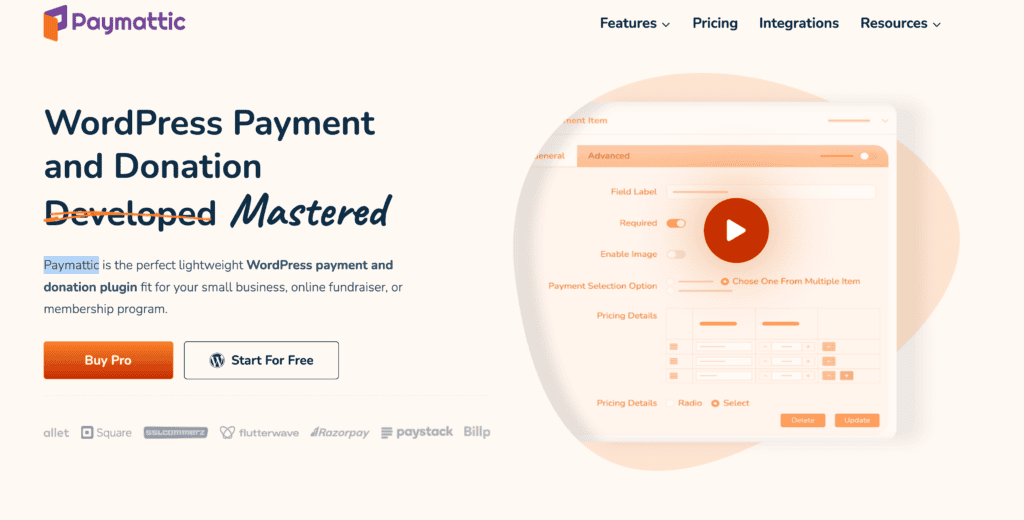
Paymattic, formerly known as WPPayForm, is easy to use and set up. It supports multiple payment gateways, including PayPal and Stripe. Users can create customizable forms without coding skills. It also offers recurring payments and integrates smoothly with email marketing tools.
Features:
- Multiple payment gateway support
- Drag-and-drop form builder
- Recurring donations
- Email marketing integration
Prices Personal $119.88 per year
Donations via PayPal

Donations via PayPal are straightforward for organizations already using PayPal. Integrating with your WordPress site is simple, allowing donors to contribute with their PayPal accounts. The plugin generates a donation button you can place anywhere on your site.
Features:
- Easy PayPal integration
- Simple setup process
- Customizable donation buttons
- Daily summary of donations
Prices 59.95 per year
WP Crowdfunding
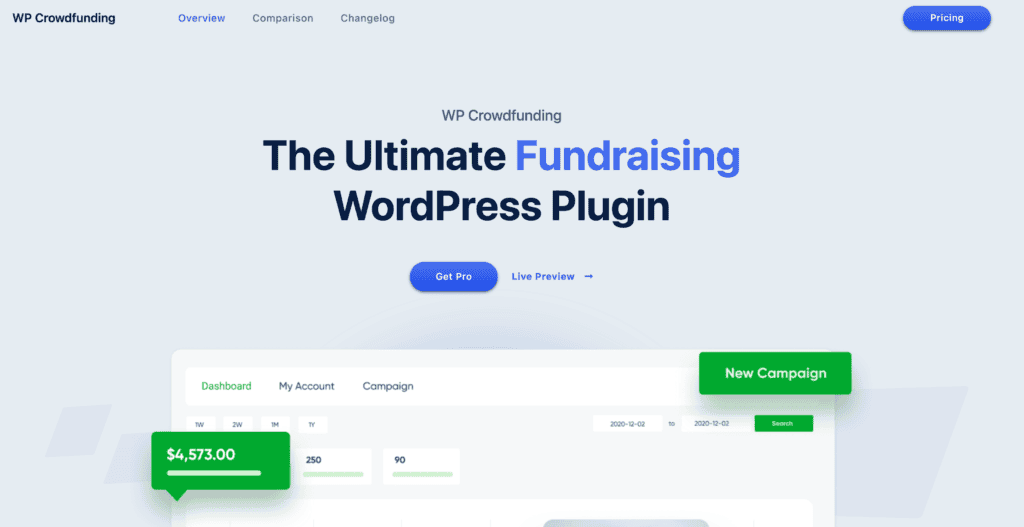
WP Crowdfunding is ideal for those looking to run crowdfunding campaigns. It extends WooCommerce and allows users to set up flexible funding campaigns. It offers built-in analytics and reward management. The plugin supports many currencies and has a native wallet system for managing funds.
Features:
- WooCommerce integration
- Flexible funding campaigns
- Multiple currency support
- Analytics and reporting tools
Prices Free |$149
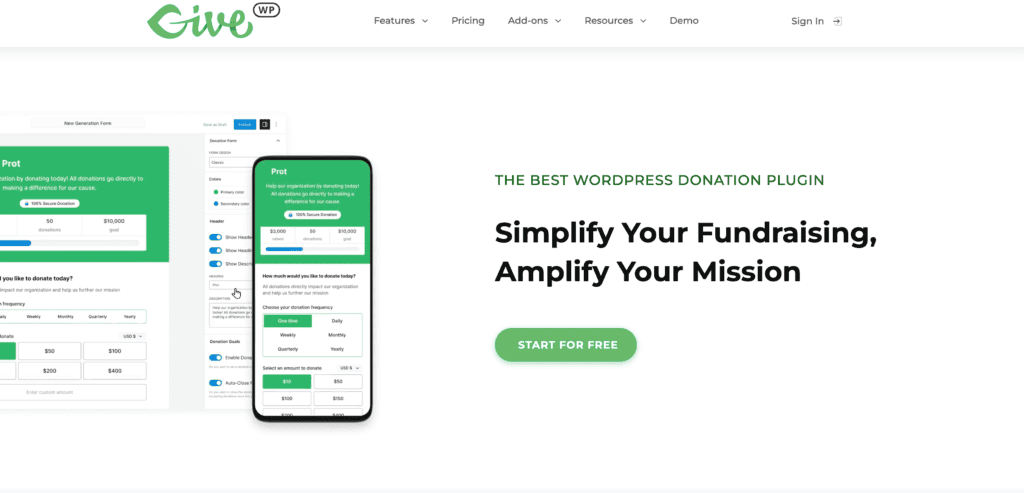
GiveWP is one of the most popular donation plugins for WordPress. It offers comprehensive features, including customizable donation forms, donor management, and reporting. It supports various payment gateways and recurring donations, making it ideal for nonprofits of all sizes.
Features:
- Customizable donation forms
- Comprehensive donor management
- Detailed reporting and analytics
- Multiple payment gateway support
Prices Free | Basic $149 | Plus $349 | Pro $499 per year
Charitable
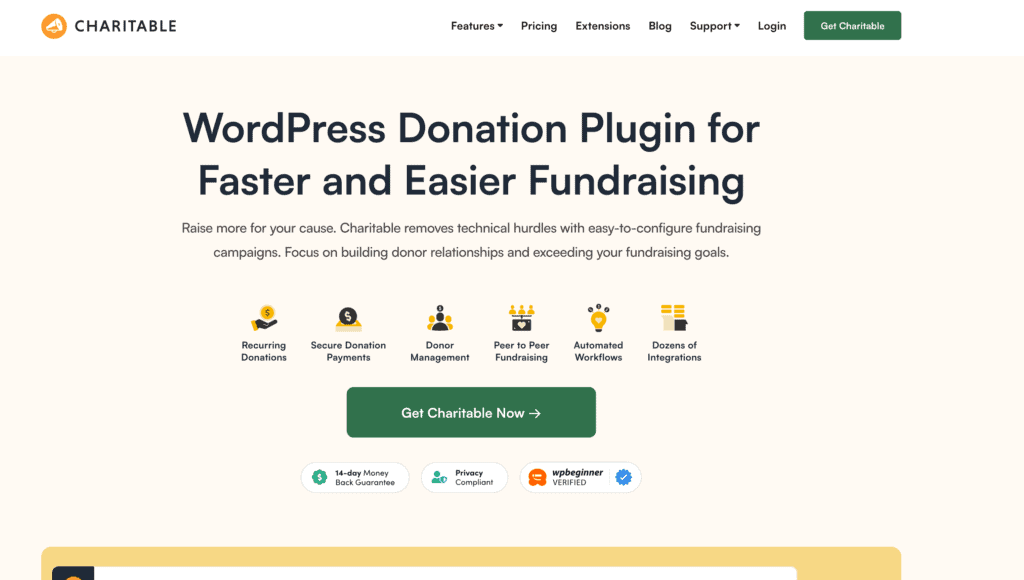
Charitable is a robust and flexible donation plugin for WordPress. It allows for fee-free donations customizable campaigns, and supports both one-time and recurring donations. Charitable integrates well with popular email marketing services and offers extensive reporting options.
Features:
- Fee-free donations
- Customizable fundraising campaigns
- Support for recurring donations
- Email marketing integration
Prices Basic $149 | Plus $199 | Pro $399 | Elite $599
YITH Donations For WooCommerce
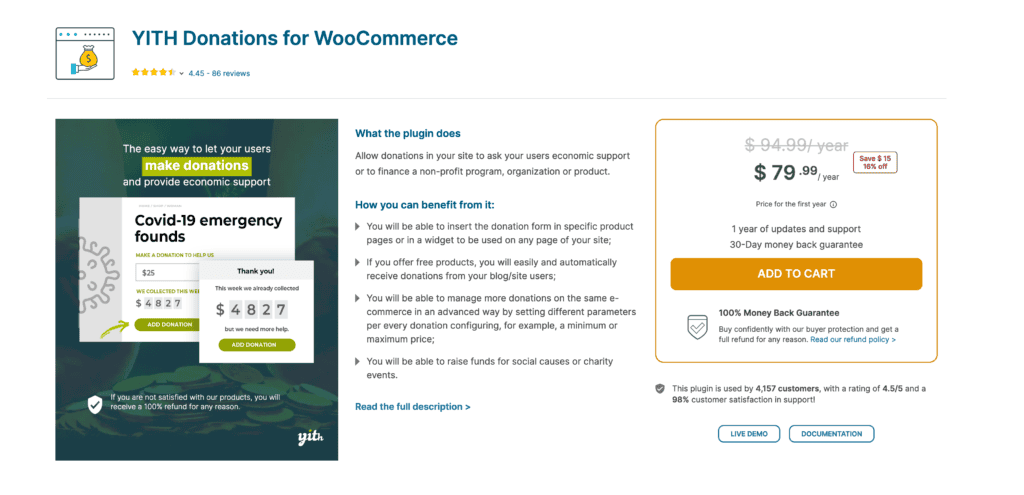
YITH Donations For WooCommerce integrates seamlessly with WooCommerce stores, enabling customers to add donations to their purchases. This plugin allows you to create campaigns and display donation options on product pages or at checkout, leveraging the power of online shopping for your fundraising needs.
Features:
- WooCommerce integration
- Add donations at checkout
- Customizable campaigns
- Display options on product pages
Prices $94 per year
Frequently Asked Questions
Q: Why should I use WordPress for my nonprofit website?
A: WordPress is an excellent choice for nonprofit websites because it is a flexible content management system that can be tailored to meet your fundraising needs. With its extensive plugins and themes, you can easily integrate features that enhance online giving and effectively manage your nonprofit’s online presence.
Q: What are the best donation plugins for WordPress?
A: Some of the best donation plugins for WordPress include GiveWP, Charitable, and WooCommerce Donations. These plugins allow you to collect online donations seamlessly and offer features like recurring donations, custom donation forms, and integration with payment gateways.
Q: How can I integrate an event calendar into my WordPress site?
A: You can integrate an event calendar into your WordPress site using plugins like The Events Calendar or Event Organizer. These plugins help you manage events, sell tickets, and promote your nonprofit activities directly on your website, making it easier for supporters to engage with your cause.
Q: What are the advantages of using WordPress for online fundraising?
A: There are numerous advantages to using WordPress for online fundraising, including its user-friendly interface, customizable themes, and a wide variety of plugins that can facilitate donations. Additionally, WordPress is optimized for search engine optimization, helping your nonprofit website attract more visitors and potential donors.
Q: How does WordPress compare to other nonprofit platforms?
A: When comparing WordPress vs other platforms for nonprofits, WordPress stands out due to its flexibility, extensive community support, and vast ecosystem of plugins. This makes it easier for nonprofits to build a website that meets their specific fundraising and outreach goals compared to more rigid platforms.
Q: Can I turn my existing website into a WordPress website?
A: You can turn your existing website into a WordPress one. This process typically involves migrating your content and design to the WordPress CMS. Once migrated, you can use WordPress’s powerful features to enhance your nonprofit’s online presence.
Q: What WordPress theme should I choose for my nonprofit website?
A: When selecting a WordPress theme for your nonprofit website, look for themes specifically designed for nonprofits. These themes often come with built-in features for donations, event management, and volunteer management, allowing you to meet your fundraising needs effectively.
Q: How can I collect online donations through my WordPress site?
A: Install a WordPress donation plugin such as GiveWP or Charitable to collect online donations through your WordPress site. These plugins provide customizable donation forms, payment processing options, and donor management tools to streamline the donation process on your nonprofit website.
Q: What is the best solution for fundraising needs on a WordPress website?
A: The best solution for fundraising needs on a WordPress website often involves using a combination of a robust donation plugin, effective SEO strategies, and engaging content. This approach helps you maximize your online giving potential and reach a broader audience to support your nonprofit’s mission.
Q: Is WordPress suitable for large nonprofit organizations as well?
A: WordPress is suitable for large nonprofit organizations as it can scale to meet your needs. With the ability to use multiple plugins and customize your WordPress site, large nonprofits can effectively manage their fundraising campaigns, events, and donor relationships, just like smaller organizations.
Final Thoughts
Using WordPress for fundraising can greatly benefit nonprofits.
WordPress offers flexibility with various themes and plugins. This allows customization to fit specific fundraising needs.
Platforms like GiveWP make online donations simple to manage and track. Nonprofits can set up donation forms, recurring donations, and even integrate PayPal.
Managing donor information is more accessible with WordPress plugins. These tools keep track of donations and help maintain donor relationships.
WordPress also supports SEO best practices, improving the site’s visibility. This attracts more visitors and potential donors.


