
Summary
At some point in your project’s growth, bulk emailing from GMail or Outlook isn’t going to cut it. For those looking to go to the next level without being on a full enterprise email system… this post is for you. In this post, Jonathan describes the features and benefits of the tools you should be looking for. He also points you in great directions for that next step.

Email Marketing: Essential Tips to Grow Your Business
Email marketing is a powerful tool for small businesses looking to grow. You can directly engage with customers and build lasting relationships with the correct email marketing campaign. Creating an email list gives you a direct line to your audience, allowing for personalized communication and effective promotion.
Starting with email automation and segmenting your email list can make a big difference. These strategies ensure that every email sent is relevant and timely, increasing the chances of engagement. Different types of emails, like a welcome email or a newsletter, can keep your audience interested and informed.
Choosing the best email marketing tool or service is crucial for success. Look for features like email templates and performance tracking to optimize your campaigns. By doing so, your marketing efforts can yield better results, helping your business grow faster.
Key Takeaways
- Effective email campaigns build customer relationships.
- Segmenting your email list boosts engagement.
- Choose tools with advanced features for better results.
What To Look For In A WordPress Email Marketing Plugin Solution?
Ease of Use
A good plugin should be easy to install and set up. It should have a user-friendly interface that simplifies creating and managing email campaigns, even for beginners.
Integration Options
Look for plugins that integrate with popular email marketing services like Mailchimp, Constant Contact, or ConvertKit. This allows you to manage everything from your WordPress dashboard seamlessly.
Customization and Templates
Choose a plugin that offers a variety of customizable email templates. This makes your emails look professional without needing design skills.
Automation Features
A plugin with automation features can save you time. It should allow you to set up automatic emails based on user actions, such as signing up for a newsletter or purchasing.
Reporting and Analytics
Analytics are essential for measuring the success of your email campaigns. The plugin should provide detailed reports on metrics like open rates, click-through rates, and conversions.
List Segmentation
Segmentation allows you to target specific groups within your email list. The plugin should make it easy to create segments based on user behavior or demographics.
Responsive Design
Ensure the plugin supports responsive design, meaning your emails look good on both desktop and mobile devices.
Compatibility
The plugin should be compatible with your WordPress theme and other plugins. This prevents conflicts and ensures smooth operation.
Customer Support
Good customer support is essential. Look for plugins that offer comprehensive support through documentation, forums, or live chat.
Email Performance Tracking
Tracking email performance is crucial for improving your campaigns. Keeping an eye on key metrics helps in understanding how well your emails are doing.
Key Metrics to Track:
- Open Rate: The percentage of recipients who open your email.
- Click-through Rate (CTR): The percentage of people clicking links within your email.
- Conversion Rate: The percentage of people who complete a desired action, like making a purchase.
- Bounce Rate: The percentage of emails that couldn’t be delivered.
Using these metrics can help identify what works and what doesn’t. For example, a low open rate might mean your subject lines need improvement, while a high bounce rate might suggest issues with your email list.
Tools for Tracking:
- Google Analytics: Integrate with emails to track website traffic from your campaigns.
- Email Marketing Platforms: Most platforms offer built-in tracking features.
- Heatmaps: See where recipients are clicking within your emails.
Best Practices:
- Segment Your List: Send targeted emails to different segments for better engagement.
- A/B Testing: Test different subject lines and email designs to see what performs best.
- Monitor Mobile Performance: Ensure your emails are mobile-friendly, as many users check emails on their phones.
Tracking email performance helps in making data-driven decisions. You can improve your email marketing campaigns by monitoring these metrics and using the right tools.
A COMPLETE STEP-BY-STEP CHEATSHEET
TO CREATING, LAUNCHING & GROWING A SUCCESSFUL MEMBERSHIP WEBSITE

Is Your Email Plugin WordPress Gutenberg Friendly
When choosing an email plugin for your WordPress site, it’s essential to check its compatibility with Gutenberg.
Gutenberg Compatibility
Gutenberg is the default editor in WordPress. It uses a block-based system, making content creation more flexible. An email plugin should work smoothly within this editor.
Features to Look For
- Drag-and-Drop Functionality: Can you quickly move elements around?
- Block Support: Does the plugin offer blocks that work within Gutenberg?
- Ease of Use: Is the interface user-friendly within the Gutenberg editor?
Popular Gutenberg-Friendly Email Plugins
- MailPoet: Offers a range of blocks and accessible drag-and-drop features.
- AutomateWoo: Works well within Gutenberg and allows for detailed customization.
- Newsletter: Supports block-based editing and is simple to use.
Checking Compatibility
- Read Reviews: Check user reviews focusing on Gutenberg.
- Demo Versions: Try out demo versions if available.
- Updates: Look for regular updates that mention Gutenberg compatibility.
Gutenberg-friendly plugins ensure a seamless, efficient email marketing experience. This compatibility is essential for creating attractive and effective emails directly within the WordPress editor.
Advanced Email Marketing Features
Personalization: Advanced email marketing platforms offer personalized content based on the recipient’s preferences and past behavior. Personalization can include using the recipient’s name, recommending products, or tailoring content to their interests.
Segmentation: Segmentation divides the email list into smaller groups. These groups can be based on demographics, purchase history, or engagement levels. This allows for sending more relevant and targeted emails.
Automation: Email automation lets marketers send triggered emails based on specific actions or events. For instance, it can send welcome emails to new subscribers or follow-up emails to those who abandoned their shopping carts.
A/B Testing: A/B testing compares different versions of an email to see which one performs better. This can involve testing email subject lines, images, or call-to-action buttons to find the most effective elements.
- Analytics and Reporting: Advanced platforms provide detailed analytics and reporting. Metrics like open, click-through, and conversion rates help marketers understand their campaign’s performance.
- Integrations: These tools often integrate with other marketing platforms, like CRM systems and social media. This leads to more cohesive and streamlined marketing efforts.
Dynamic Content: The ability to use dynamic content means different parts of the email change based on the recipient’s data. This makes emails more engaging and relevant.
Landing Pages: Some platforms offer the creation of landing pages directly within the email tool. This ensures a seamless experience from email to website.
Responsive Design: Emails designed to look good on any device, whether a phone, tablet, or desktop, ensure accessibility and better engagement.
Advanced Security: Enhanced security features protect subscriber data and ensure compliance with privacy laws like GDPR.
Drip Campaigns: These are a series of automated emails sent on a schedule. They nurture leads over time and keep the audience engaged.
Using these features can make email marketing campaigns more efficient and impactful.
What You Need To Know About SMTP
SMTP stands for Simple Mail Transfer Protocol. It is a system used to send and receive email messages. SMTP mainly routes email from a sender to a receiver’s email server.
Key Functions:
- Sending Email: SMTP sends messages from an email client to a server.
- Relaying Messages: It transfers messages from one server to another.
- Receiving Email: While SMTP is mainly for sending messages, it also plays a role in receiving messages from other servers.
SMTP is vital for anyone looking to implement effective email marketing. Understanding its functions can help maximize the efficiency and reliability of your email campaigns.
Best SMTP WordPress Plugin
As a WordPress-powered website owner, you will quickly realize the critical role that an SMTP plugin plays in ensuring that your emails reach their intended audience. After experimenting with various options, FluentSMTP emerged as the best SMTP plugin for our customer needs. Its user-friendly interface and seamless integration with popular email services made the setup process a breeze. With just a few clicks, I could configure everything from SMTP credentials to advanced settings without feeling overwhelmed by technical jargon, And it is free.
Best WordPress Email Marketing Plugins
These plugins can help streamline your email marketing efforts directly from your WordPress site. They offer various features such as automation, segmentation, and integration with other marketing tools.
Omnisend
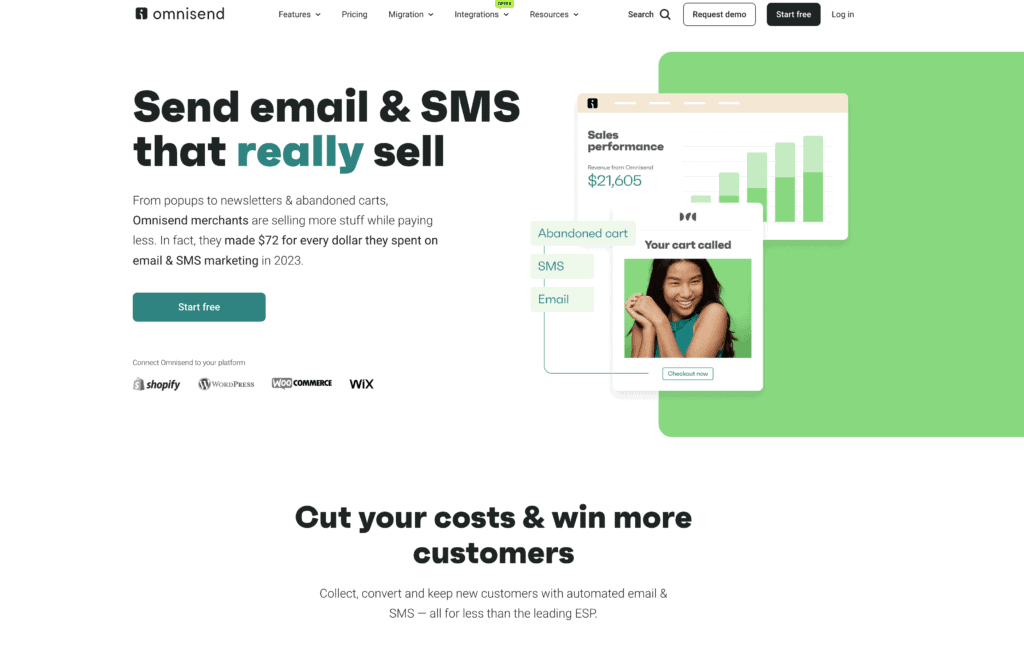
Omnisend is known for its powerful automation tools and easy integration with e-commerce platforms. It offers pre-built workflows for cart abandonment, welcome series, and order confirmations.
- Features: Advanced segmentation, SMS integration, drag-and-drop content editor.
- Pricing: Free plan available; premium plans start at $16/month.
- Best For: E-commerce businesses looking for robust automation options.
Free | Standard starting at $16 | Pro starting at $59 per month
FluentCRM
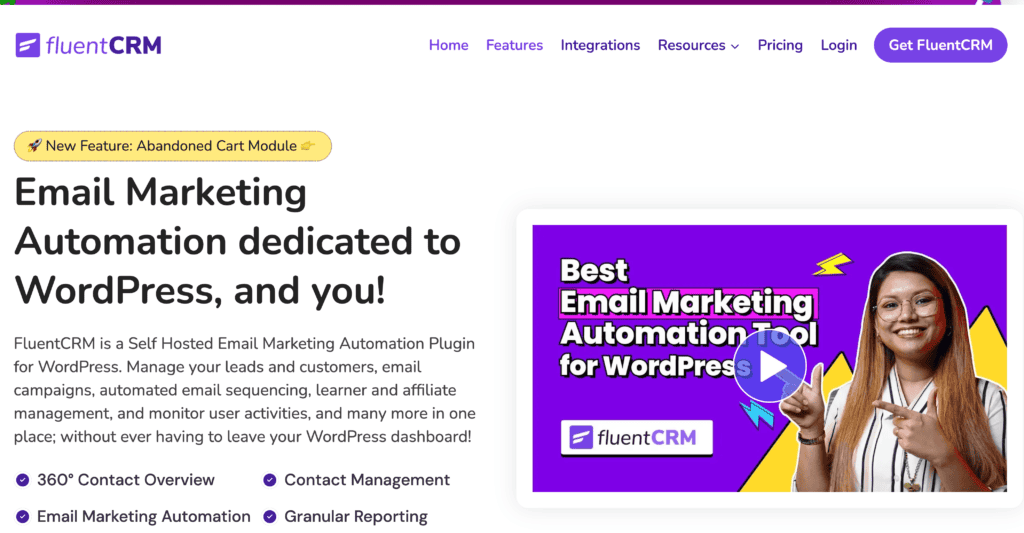
FluentCRM is a self-hosted email marketing plugin with built-in CRM capabilities. It helps manage email campaigns, automate workflows, and track user activities.
- Features: Email sequencing, detailed analytics, integration with popular plugins.
- Pricing: Free; premium add-ons available from $129/year.
- Best For: Small to medium businesses needing integrated CRM solutions.
Prices $129 per year
MailPoet
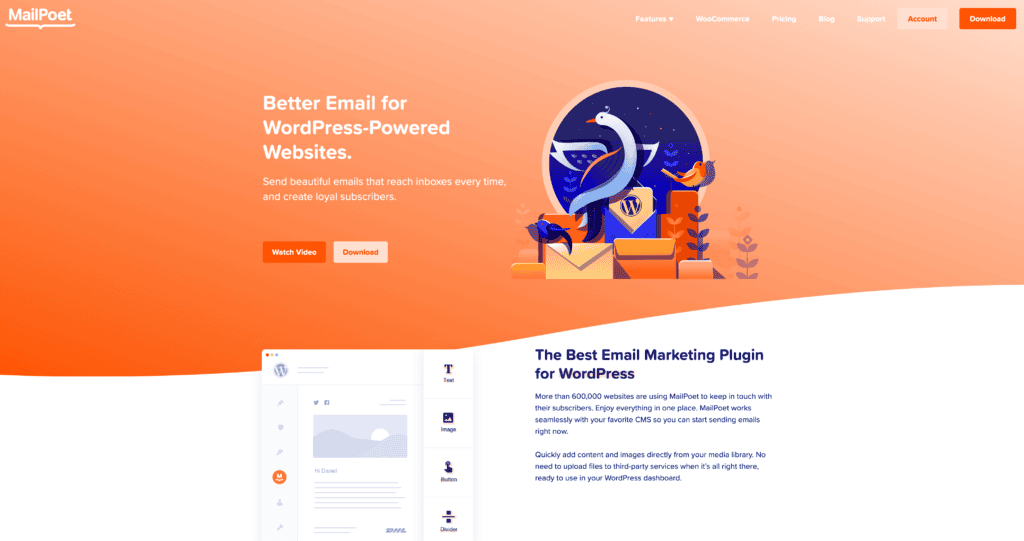
MailPoet allows you to create and send newsletters directly from WordPress. It features drag-and-drop email design and advanced segmentation.
- Features: WooCommerce integration, automated emails, subscriber management.
- Pricing: Free for up to 1,000 subscribers; premium starts at $10/month.
- Best for bloggers and small businesses wanting an all-in-one solution.
The Newsletter Plugin offers comprehensive tools for creating, managing, and tracking email campaigns. It is easy to use and fully integrates with WordPress.
- Features: Drag-and-drop editor, unlimited subscribers, GDPR compliance.
- Pricing: Free; premium plans start at $10/ per month.
- Best For Users needing a straightforward newsletter management tool.
Prices Starter Free | Business $10 ( starting 500 subscribers ) per month
Bravo
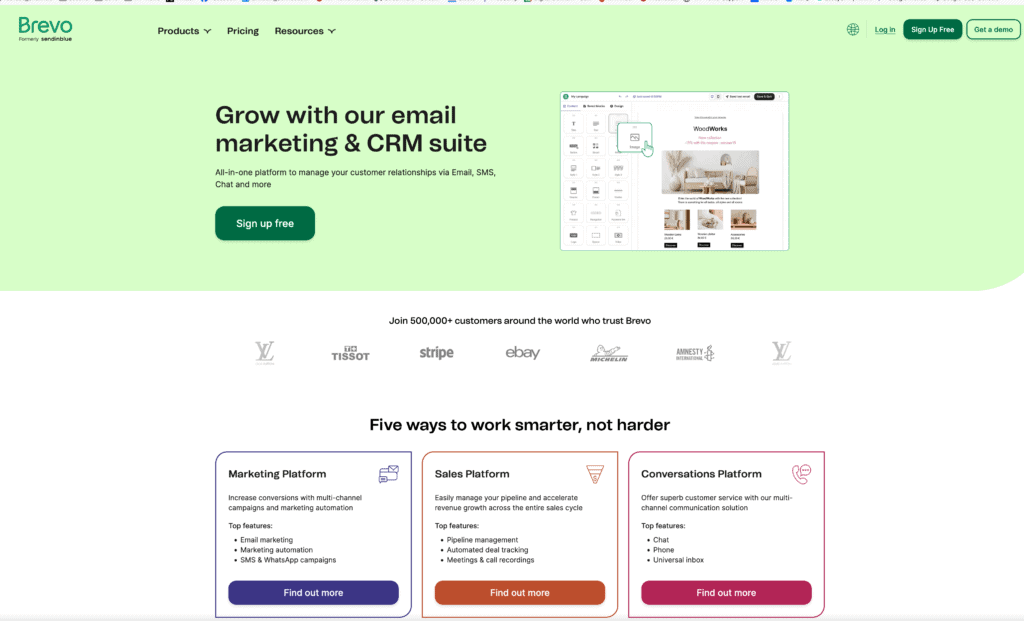
Bravo focuses on simplifying email marketing for WordPress users. It is known for its user-friendly interface and compelling automation features.
- Features: Automated campaigns, personalized emails, detailed analytics.
- Pricing: Free and premium plans from $79/year.
- Best For: Beginners looking for intuitive and easy-to-use tools.
Prices Basic Free | Blogger $79 per year
Mailchimp
Mailchimp is a popular email marketing service that offers a WordPress plugin for easy integration. It provides a wide range of marketing tools, including templates and automation.
- Features: Customizable templates, list segmentation, detailed reports.
- Pricing: Free for up to 2,000 contacts; premium plans start at $10/month.
- Best For Businesses needing extensive third-party integrations.
ConvertKit
ConvertKit is designed mainly for creators like bloggers and YouTubers. It offers easy-to-use tools for building email lists and automating email sequences.
- Features: Landing pages, visual automation builder, forms.
- Pricing: Free for up to 1,000 subscribers; premium plans start at $29/month.
- Best For: Content creators and bloggers who want to grow their audience.
MailerLite
MailerLite offers a balance of simplicity and functionality. It features a clean interface and strong automation capabilities, making it accessible for all levels of users.
- Features: Drag-and-drop editor, automation workflows, RSS-to-email.
- Pricing: Free for up to 1,000 subscribers; premium plans start at $10/month.
- Best For: Small businesses and individuals looking for budget-friendly options.
These plugins offer various features to fit different needs, from simple email creation to complex automation workflows. Each provides tools to enhance your email marketing strategy directly from your WordPress site.
Frequently Asked Questions
Q: What is the importance of building an email list for email marketing?
A: Building an email list is crucial because it allows you to reach your audience with targeted messages directly. It is one of the most effective marketing channels for small businesses, enabling you to nurture leads and convert them into customers.
Q: What are some email marketing tips for beginners?
A: Some essential email marketing tips include segmenting your email list to send personalized content, crafting engaging subject lines to increase email open rates, and utilizing email automation to streamline your campaigns.
Q: How can I use email marketing to grow my small business?
A: You can use email marketing to grow your small business by creating targeted email campaigns that promote your products or services, providing valuable content through newsletters, and encouraging customers to sign up for your email list to receive exclusive offers.
Q: What types of emails can I send for my marketing campaign?
A: Different types of emails you can send include promotional emails, newsletters, welcome emails, and re-engagement emails. Each type serves a specific purpose in your email marketing strategy.
Q: How do I get started with email marketing?
A: Getting started with email marketing involves choosing an email marketing service, building an email list, designing your first email, and planning your email marketing campaign strategy. It’s essential to focus on email marketing best practices to achieve success.
Q: What is the role of email automation in email marketing?
A: Email automation allows you to send emails automatically based on specific triggers, such as user behavior or time intervals. This helps maintain consistent communication with your audience and improves engagement without requiring constant manual effort.
Q: How can I improve my email open rates?
A: To improve your email open rates, focus on creating compelling subject lines, sending emails at optimal times, and maintaining a clean email marketing list to ensure your messages reach engaged subscribers.
Q: What is an effective way to segment my email list?
A: An effective way to segment your email list is to categorize subscribers based on their behavior, interests, or demographics. This allows you to tailor your marketing emails to different groups, increasing relevancy and engagement.
Q: What should be included in my first email to subscribers?
A: Your first email should include a warm welcome message, a brief introduction to your business, and a clear call to action, such as encouraging them to explore your website or check out your latest offers.
Q: How can I leverage email marketing tools to enhance my campaigns?
A: Email marketing tools can help you design visually appealing emails, track performance metrics, automate workflows, and manage your email list more effectively. This can lead to improved engagement and overall campaign success.
Final Thoughts
Email marketing remains a vital tool for businesses of all sizes.
Building and maintaining an email list is crucial.
Segmenting your email list can lead to better engagement.
Using email automation saves time and increases efficiency.
Personalizing emails helps capture your audience’s attention.
Exploring different types of email campaigns can keep your content fresh.
Analyzing your email open rates gives insights into what works best.


