
Summary
Have you ever used a Social Tool like Strava, but used Google to sign into your account? What is the value to Strava, having users sign in with their Google credentials? How can allowing users to use their existing social sign-ons to join your site increase your conversions? In this post, Jonathan shares some of the strategies and tools that bring out the success of this setup.
Social Login: Enhancing WordPress Authentication with Popular Platforms
Social login has become a popular feature for WordPress websites. It lets visitors sign in using their existing social media accounts. This saves time and makes logging in easier.
Adding a social login to WordPress can boost user engagement and sign-ups. Many people prefer using their Facebook or Google accounts to create new logins. This quick option often leads to more registrations on a site.
Social login plugins make it simple to add this feature to WordPress. These tools connect your site with major social networks. Users can then click a button to log in with their chosen account. It’s a smooth process that works well for site owners and visitors.
Key Takeaways
- Social login allows easy access using existing social media accounts
- Adding a social login can increase user registrations on WordPress sites
- Social login plugins simplify the setup process for WordPress owners
Why Add a Social Media Login to WordPress?
Adding a social media login to WordPress makes it easier for visitors to sign up and access your site. People can use their existing accounts from platforms like Facebook or Google instead of creating a new username and password.
This quick login process can boost signups and engagement. Users don’t have to remember other login details, reducing friction.
Social logins also help gather accurate user data. When someone logs in with their social account, you can access info like their name and email address.
It gives users more options for how they want to access your site. Some prefer using social accounts, while others may wish to use traditional logins.
A COMPLETE STEP-BY-STEP CHEATSHEET
TO CREATING, LAUNCHING & GROWING A SUCCESSFUL MEMBERSHIP WEBSITE

Social logins can increase trust. Users feel more comfortable signing up with accounts they already use and trust.
These logins work well for membership sites, online stores, and community forums. Any WordPress site that requires user accounts can benefit.
Setting up social logins is simple with the right plugin. Many options let you add login buttons for multiple social networks with just a few clicks.
Advantages for Your Bottom Line
Adding a social login to your WordPress site can boost profits and cut costs. Let’s look at two key ways it helps your business.
More Conversion Rates for Cross-Sells and Upsells
Social login makes it easier for customers to buy more. When users log in with their social accounts, you get valuable data about them. This helps you show products they might like.
For example, if someone logs in with Facebook, you can see their interests. You can then suggest items that match those interests. This personal touch often leads to more sales.
Social login also speeds up the buying process. Users don’t need to create a new account or remember another password. This quick access can lead to more impulse buys and repeat purchases.
Reduced Support Costs
Social login can save you money on customer support. Many users forget their passwords or have trouble making accounts. This leads to support tickets and frustrated customers.
With social login, these problems happen less often. Users click a button to log in with accounts they already have. This means fewer password resets and account issues.
Social login also gives you the correct user info. When people fill out forms, they often make mistakes. However, social login pulls accurate data from users’ profiles. This leads to fewer delivery problems and less time fixing user errors.
Best Social Media Login Plugins
Social login plugins make it easy for users to access WordPress sites with their existing social media accounts. These top options offer reliable functionality and seamless integration.
LoginPress
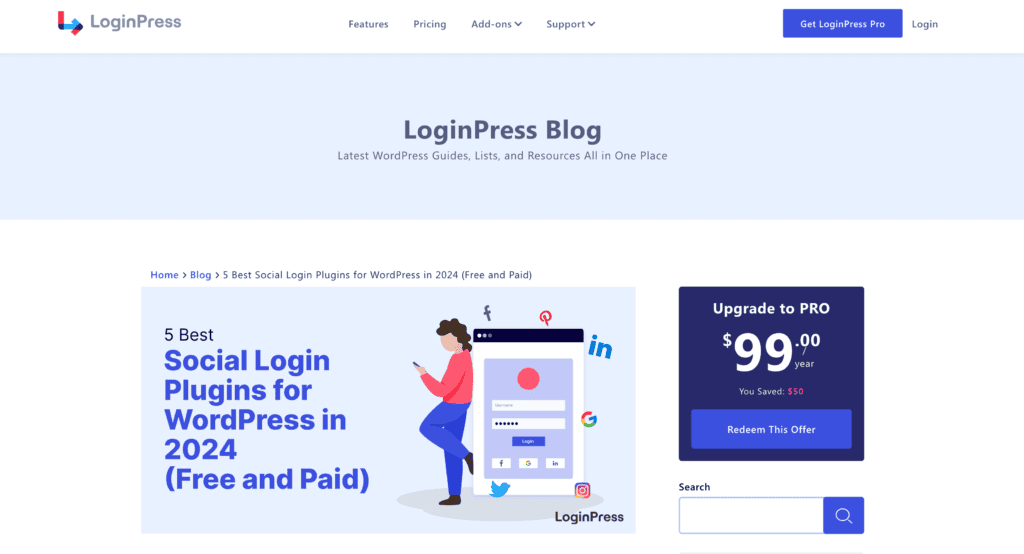
LoginPress simplifies social logins for WordPress. It connects with popular platforms like Facebook, Twitter, and Google. The plugin customizes login pages with themes and backgrounds.
Users can quickly sign up or log in using their preferred social accounts. This saves time and reduces friction. LoginPress also adds extra security features like reCAPTCHA.
The plugin works well with WooCommerce and membership sites. It offers both free and premium versions with different features.
Prices Free | Pro $99 per year
User Registration
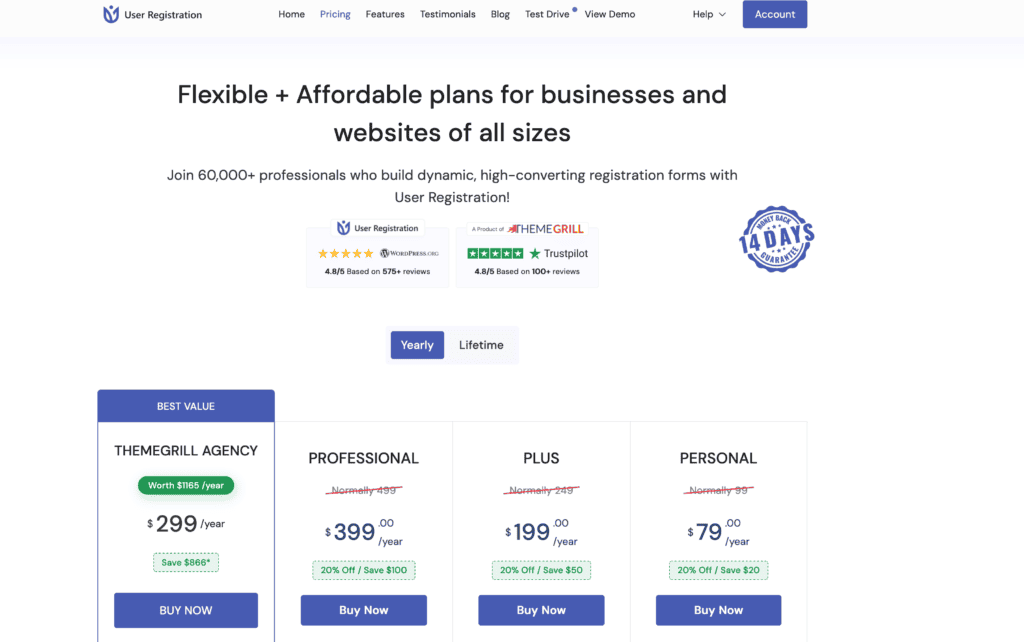
User Registration adds social login options to WordPress forms. It supports significant networks like Facebook, Twitter, and LinkedIn. The plugin integrates smoothly with existing registration processes.
Users can link multiple social accounts to one WordPress profile. This gives them flexibility in how they log in. The plugin also syncs user data from social profiles.
User Registration offers drag-and-drop form building. This makes it easy to add social login buttons where needed. The plugin has both lite and pro versions available.
Prices Personal $99 | Plus $249 | Professional $499
Super Socializer
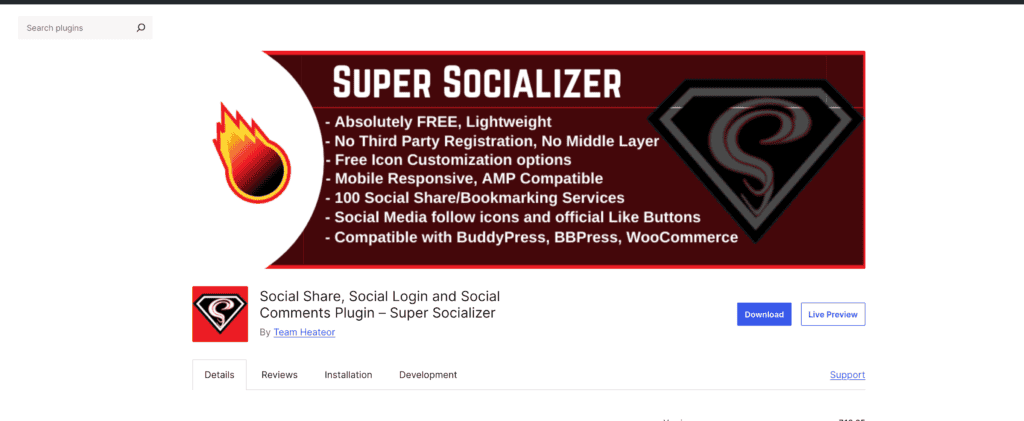
Super Socializer brings comprehensive social features to WordPress. It enables logins through over 30 social networks. The plugin also adds social sharing and commenting functions.
Users can sign in quickly with one click. Super Socializer pulls profile data to auto-fill registration forms. This speeds up the signup process for new users.
The plugin lets site owners customize the look of social login buttons. It works with popular WordPress themes and plugins. Super Socializer offers a free version with core features.
Prices Free
Nextend Social Login
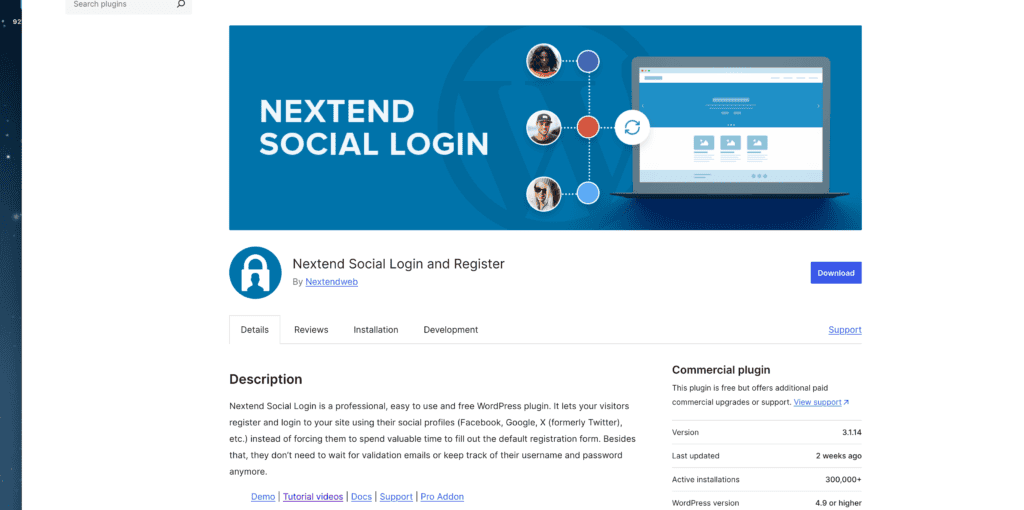
Nextend Social Login focuses on simplicity and speed. It adds social login buttons to WordPress login and registration pages. The plugin supports significant networks like Facebook, Google, and Twitter.
Users can link their WordPress accounts to multiple social profiles. This gives them backup login options. Nextend Social Login syncs user avatars from social accounts.
The plugin integrates well with WooCommerce and BuddyPress. It offers both free and pro versions. The pro version includes more social networks and advanced features.
Prices Free
Skyverge Social Login
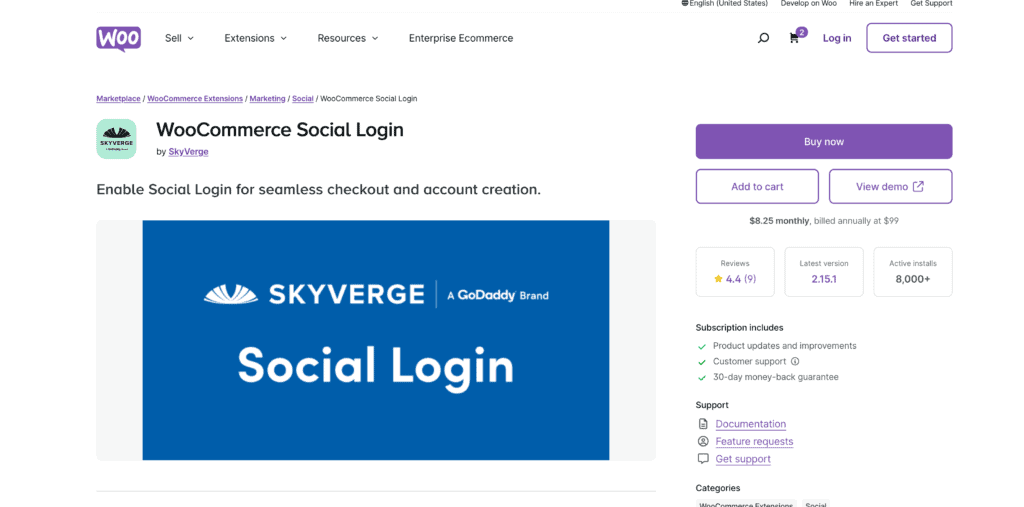
Skyverge Social Login targets WooCommerce stores. It adds social login options to checkout and account pages. The plugin supports Facebook, Google, and Amazon logins.
Users can connect their social accounts to existing WooCommerce profiles. This streamlines future logins and purchases. Skyverge Social Login syncs customer data for better marketing.
The plugin offers detailed analytics on social login usage. It integrates seamlessly with other WooCommerce extensions. Skyverge Social Login is a premium plugin with ongoing support.
Prices $99 per year
Youzify
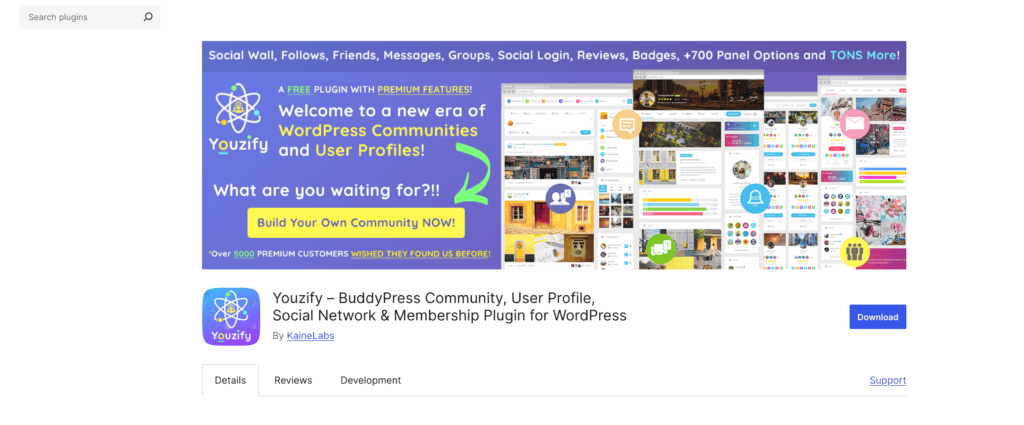
Youzify, formerly Youzer, adds social login to BuddyPress communities. It supports significant networks like Facebook, Twitter, and Instagram. The plugin enhances user profiles with social data.
Users can register and log in using their preferred social accounts. Youzify syncs profile pictures and cover photos automatically. This creates richer community profiles.
The plugin offers extensive customization options for login buttons. It integrates well with other BuddyPress add-ons. Youzify comes in both free and premium versions with varying features.
Prices Free
Frequently Asked Questions
Q: What is my membership WordPress site’s best social login plugin?
A: The best social login plugin for your membership WordPress site depends on your specific needs, but popular options include Nextend Social Login, Super Socializer, and Social Login by miniOrange. These plugins allow you to add social login to WordPress easily.
Q: How can I add a social login to my WordPress website?
A: To add a social login to your WordPress website, install a social login plugin. After activation, configure the settings and connect your social media accounts, such as Facebook and Google, to enable social login on your WordPress site.
Q: Can I use a Facebook login on my WordPress site?
A: Yes, you can use Facebook login on your WordPress site by utilizing a social login plugin. Most plugins support Facebook login integration, allowing users to log in to your WordPress website using their Facebook accounts.
Q: How do I enable social login to my WordPress website?
A: Install and activate a social login plugin to enable social login to your WordPress website. Follow the plugin’s setup instructions to link your social media accounts and configure the login feature according to your preferences.
Q: Do I need a specific social login add-on for my WordPress membership site?
A: While many social login add-ons are available, choosing one compatible with your existing membership plugin is recommended. Look for a social login plugin that seamlessly integrates with popular membership solutions.
Q: How do I integrate social login on my WordPress site?
A: To integrate social login on your WordPress site, select a compatible social login plugin, install it, and follow the integration instructions provided by the plugin. Typically, it would help if you created API keys from the social media platforms you want to use.
Q: What are the benefits of using a social login plugin for my WordPress website?
A: Using a social login plugin for your WordPress website simplifies the login process for your users, reducing friction and potentially increasing registration and login rates. It also allows users to log in and register using their existing social media accounts, which can enhance user experience.
Q: Can I customize the look of the social login buttons on my WordPress site?
A: Yes, most social login plugins offer customization options for the login buttons. You can adjust colors, sizes, and styles to fit the design of your WordPress website, ensuring a cohesive user experience.
Q: How do I troubleshoot issues with my social login plugin on WordPress?
A: If you encounter issues with your social login plugin on WordPress, first ensure that the plugin is up-to-date and properly configured. Check for conflicts with other plugins or themes, and consult the plugin’s documentation or support forum for specific troubleshooting advice.
Final Thoughts
Social login plugins can make it easier for users to access WordPress sites. These tools let people sign in with accounts they already have on popular platforms. This saves time and reduces friction.
Adding social login options may increase registrations and engagement. Users don’t need to create new accounts or remember extra passwords. They can quickly join in discussions or make purchases.
Site owners should consider which social networks their audience uses most. Offering those login choices can boost adoption. Facebook, Google, and Twitter tend to be standard options.
Security is critical when implementing social logins. Reputable plugins use proper authentication methods to protect user data. Regular updates help maintain safety and functionality.
While convenient, social logins aren’t perfect for every site. Some users prefer traditional email registration for privacy reasons. Offering both social and standard login options gives visitors choices.
Testing is crucial before going live with social logins. Site admins should check that the process works smoothly on different devices and browsers. This ensures a good experience for all users.


